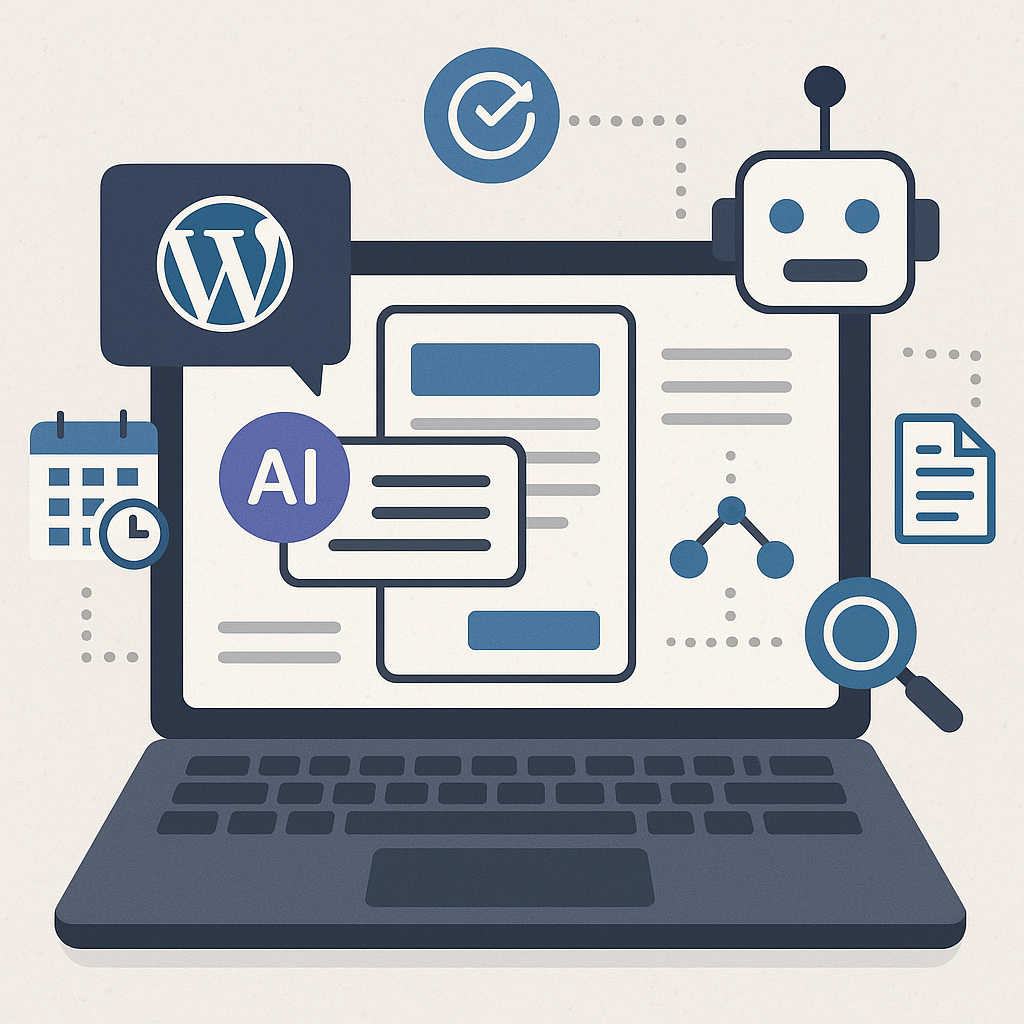
Understanding AI Content Automation Within WordPress
Automating content creation in WordPress using AI involves integrating intelligent algorithms that can generate, curate, and publish content with minimal manual input. These AI tools analyze data patterns, perform keyword research, and even draft articles based on predefined parameters. Instead of replacing human creativity, AI serves as a strategic assistant, accelerating content production while maintaining editorial consistency.
Setting Up Automated Publishing Workflows: Step-by-Step
Step 1: Choose the Right AI Content Plugin or API
Start by selecting a reliable AI integration compatible with WordPress, such as OpenAI-powered plugins, Jasper AI, or custom API connections. Ensure the tool supports post drafting, editing, and scheduling features.
Step 2: Define Content Parameters and Templates
Create structured templates outlining article length, tone, target keywords, and metadata. Specify niches or topics you want the AI to focus on to maintain relevance.
Step 3: Configure Automated Draft Generation
Set the AI to generate drafts based on your templates at regular intervals. For example, schedule weekly content batches or trigger drafts when new keyword trends emerge.
Step 4: Implement Editorial Review Processes
Always include a manual review stage before publishing. Assign editors to refine AI-generated drafts for accuracy, coherence, and style compliance.
Step 5: Automate Publishing and Notifications
Leverage WordPress scheduling tools or plugins like WP Cron to automate publishing at optimal times. Set notifications to alert your team when new content goes live.
Scheduling and Rotating Topics for Balanced Content
To maintain audience engagement and SEO benefits, rotate content topics systematically. Use a content calendar integrated with your AI system to map out themes across weeks or months. For instance, alternate between evergreen tutorials, industry news, and product reviews. This rotation prevents topic saturation and ensures comprehensive site coverage.
Maintaining Content Quality and Avoiding Spammy Output
AI-generated content can risk repetitiveness or low-quality output if left unchecked. To safeguard quality:
- Implement strict editorial guidelines and human oversight.
- Use plagiarism checkers to ensure originality.
- Incorporate varied sentence structures and vocabulary in templates.
- Set AI parameters to avoid keyword stuffing or unnatural phrasing.
Remember, automation is a tool to enhance productivity, not replace quality control.
SEO Considerations When Automating Content
Proper SEO integration is critical for automated content to perform well:
- Keyword Integration: Base AI prompts on researched long-tail and primary keywords.
- Meta Data: Automate meta titles and descriptions but review for appeal and accuracy.
- Schema Markup: Use plugins to add structured data automatically.
- Mobile Optimization: Ensure content formatting is responsive.
- Content Updates: Schedule periodic AI-driven refreshes to keep posts relevant.
Internal Linking and Content Clustering Strategies
Automated content should contribute to a coherent site architecture. Use AI tools to:
- Identify topic clusters around core themes.
- Automatically insert internal links to pillar pages and related posts.
- Generate content hubs that improve crawlability and user experience.
For example, an affiliate marketer can create clusters around product categories with AI-generated review articles interlinked strategically.
Common Pitfalls and How to Avoid SEO Penalties
Automation can trigger penalties if mismanaged. Avoid these mistakes:
- Over-reliance on AI: Never publish without editorial review.
- Duplicate Content: Regularly audit for originality.
- Keyword Stuffing: Use natural language prompts and monitor keyword density.
- Thin Content: Ensure each post meets minimum word and value thresholds.
- Ignoring User Intent: Customize AI prompts to address audience needs.
Use Cases for Different WordPress Users
Bloggers
Automate routine posts like listicles or news roundups, freeing time for in-depth or personal content.
Affiliate Marketers
Scale product reviews and comparison articles with AI-generated drafts, while maintaining quality with manual tweaks.
Digital Agencies
Offer clients rapid content generation services, using AI to prototype drafts before client customization.
SaaS Sites
Automate technical documentation updates, FAQs, and blog posts about feature releases or industry trends.
Implementation Checklist for AI Content Automation in WordPress
- Choose a reputable AI content plugin or API.
- Define content templates and SEO parameters clearly.
- Set up automated draft generation workflows with scheduling.
- Establish rigorous human editorial review processes.
- Implement content topic rotation via a calendar.
- Integrate SEO best practices: keywords, metadata, schema.
- Configure internal linking strategies and content clusters.
- Monitor for duplicate or thin content regularly.
- Train your team on balancing automation with quality control.
- Continuously analyze performance and refine AI prompts.
By approaching AI automation strategically, WordPress site owners can amplify content output without sacrificing quality or SEO integrity. Thoughtful implementation transforms automation from a shortcut into a sustainable growth engine.
![Understanding AI Website Builders: How They Work and Who Should Use Them [2026-05-29 11:58:17 1bv161]](https://getwpai.com/wp-content/uploads/2026/05/getwpai-20260529-115817.png)
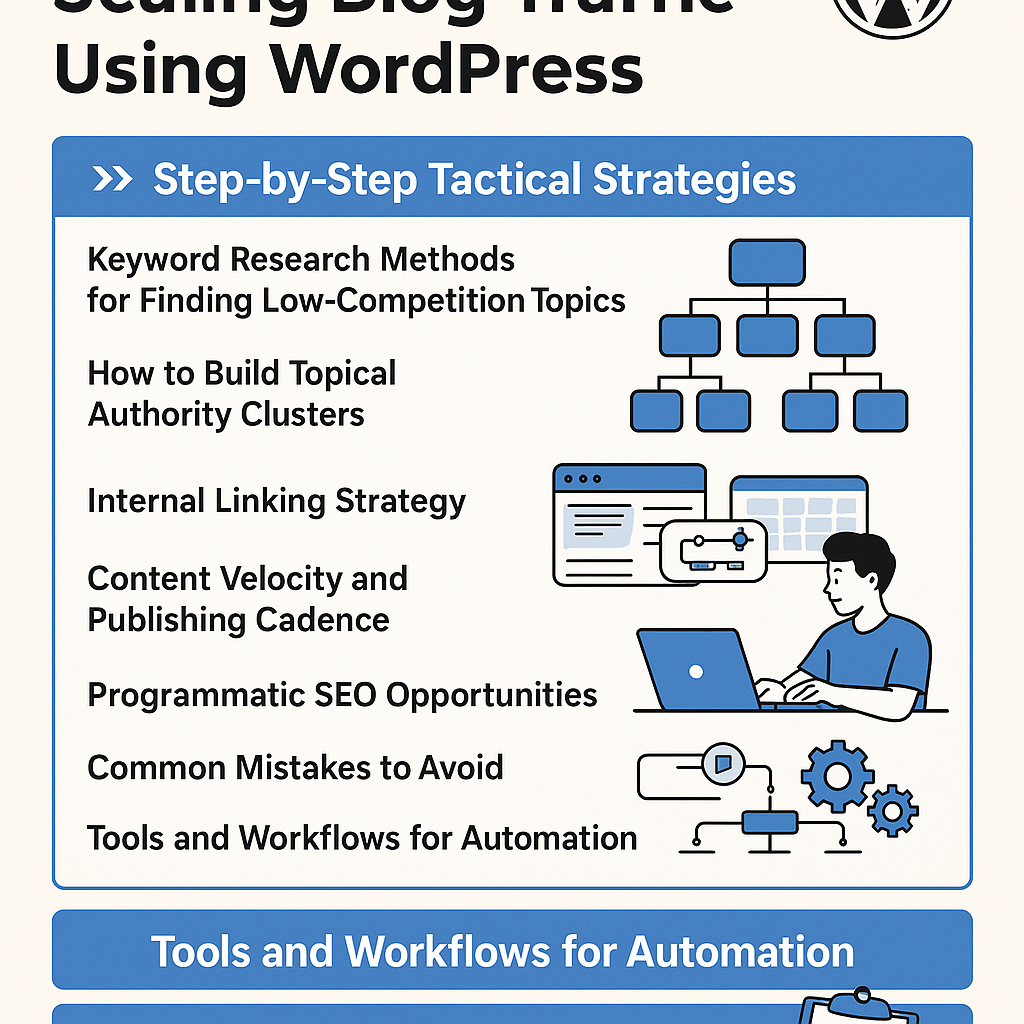
![Mastering AI-Powered Content Automation in WordPress: A Strategic Guide for Scalable Growth [2026-05-25 11:43:01 rdw72k]](https://getwpai.com/wp-content/uploads/2026/05/getwpai-20260525-114301.png)