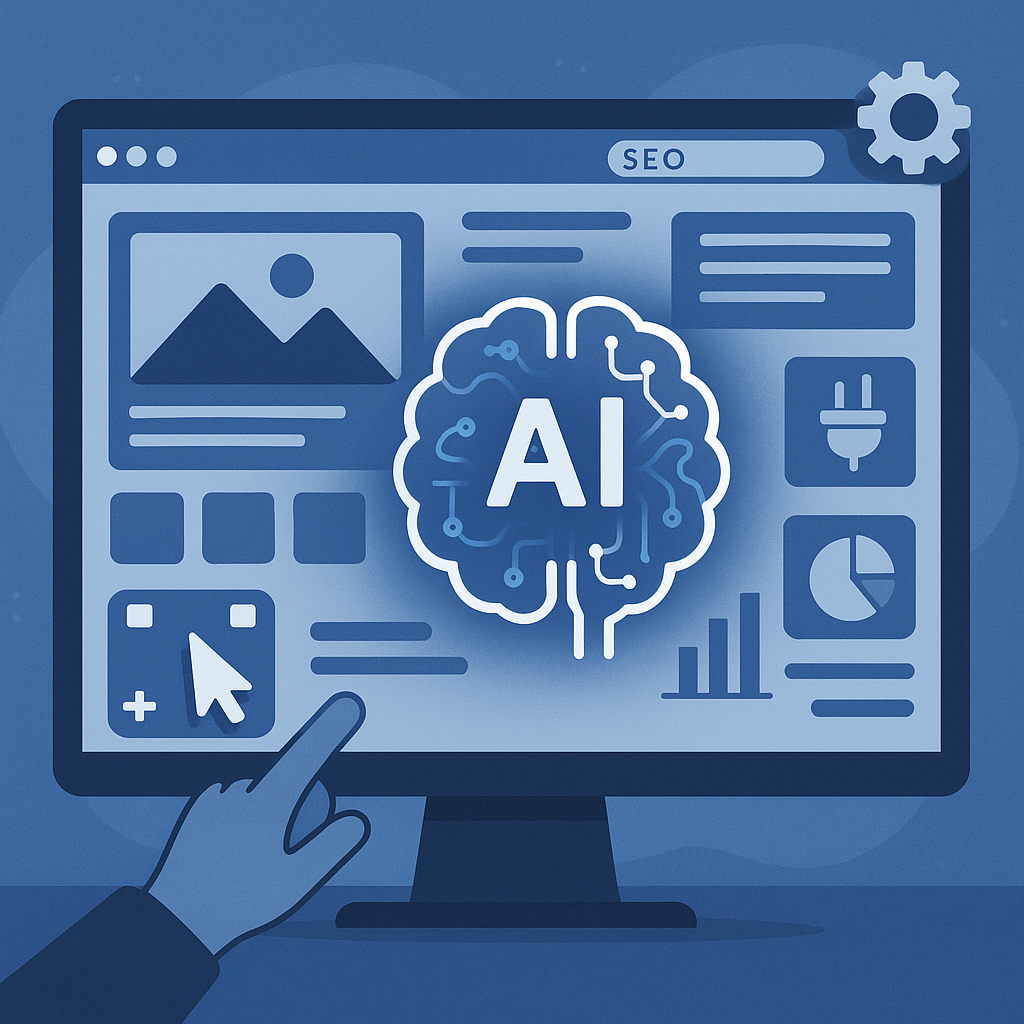
Introduction: The Rise of AI Website Builders
Creating a website has traditionally required technical skills, design knowledge, or hiring professionals. However, AI website builders are rapidly changing this landscape. By leveraging artificial intelligence, these tools simplify the process, enabling users to create functional, attractive websites with less effort and in less time. The growing popularity of AI builders stems from their promise to automate complex tasks like design and content generation, making website creation accessible to entrepreneurs, small businesses, and solo creators.
What Is an AI Website Builder?
At its core, an AI website builder is a platform that uses machine learning algorithms and other AI technologies to automate significant portions of website creation. Unlike traditional builders, which rely heavily on manual input for layout, design, and content, AI builders use data-driven insights to generate these elements efficiently.
Key aspects automated by AI include:
- Design and Layout: AI analyzes user preferences and industry standards to create tailored themes and page structures.
- Content Generation: Some AI builders generate text, headlines, and even images suited to the website’s purpose.
- SEO Setup: AI tools optimize meta tags, keywords, and site architecture to improve search engine visibility.
How AI Website Builders Work
Understanding the workflow behind AI website builders reveals how they manage to streamline the creation process. Here’s a typical step-by-step breakdown:
1. User Input and Preferences
The process usually begins with the user providing basic information about the website’s purpose, industry, preferred style, and essential features. This input may come through questionnaires, keyword prompts, or uploading existing branding materials.
2. AI-Driven Design Generation
Based on the input, the AI engine generates initial design templates, layouts, and color schemes. It considers usability principles and aesthetic trends to craft a visually coherent site structure.
3. Content Creation
Some AI builders go beyond design by producing draft text content for pages such as About Us, Services, and FAQs. They may use natural language processing to tailor content tone and style relevant to the target audience.
4. Customization and Refinement
Users can then customize the AI-generated design and content using intuitive interfaces, often featuring drag-and-drop editors. This step allows adding personal touches or adjusting details to better fit brand identity.
5. Publishing and Ongoing Management
Once finalized, the website can be published directly through the platform. Many AI builders also provide tools for ongoing SEO monitoring, performance tracking, and automated updates.
Key Features to Look For in AI Website Builders
Drag-and-Drop Editing
Even with AI automation, flexibility remains important. Drag-and-drop editors let users rearrange elements without coding, ensuring the design can be fine-tuned easily.
AI Content Generation
Look for platforms that generate relevant, coherent content drafts to speed up site creation. Evaluate the quality and customization options for the generated text and media.
SEO Tools
Effective AI builders include SEO recommendations, keyword optimization, automated meta tags, and sitemap generation to help your site rank better on search engines.
Integrations
Support for third-party tools such as email marketing, social media, payment gateways, and analytics enhances website functionality and business workflows.
Hosting
Consider whether the AI builder offers reliable, secure hosting as part of the package or if you need to arrange your own. Hosting performance impacts site speed and uptime.
Analytics and Reporting
Built-in analytics help track visitor behavior, engagement metrics, and conversion rates, enabling data-driven improvements over time.
Benefits and Limitations of AI Website Builders
Benefits
- Speed: AI automates many steps allowing websites to be built in hours instead of days or weeks.
- Cost Savings: Reduces the need for hiring designers or developers, lowering upfront expenses.
- Ease of Use: Designed for non-technical users, these tools simplify complex tasks with guided workflows.
Limitations
- Customization Constraints: AI-generated templates may limit creative freedom compared to fully manual design.
- Generic Output Risk: Automated content and design might lack uniqueness or fail to fully capture brand personality.
- Dependency on AI: Over-reliance on AI suggestions can lead to less critical evaluation of content and SEO strategies.
Who Should Use an AI Website Builder?
AI website builders are well-suited for:
- Entrepreneurs and Startups: Those needing a quick web presence without large budgets or design teams.
- Small Business Owners: Businesses seeking efficient, affordable website solutions to showcase products or services.
- Bloggers and Creators: Individuals who want to focus on content while letting AI handle technical and design aspects.
- Non-technical Users: Anyone unfamiliar with coding or design but still wanting professional-looking websites.
Practical Checklist for Choosing an AI Website Builder
- Does the platform offer AI-generated design and content that matches your industry and style?
- Is the user interface intuitive, with options for manual customization?
- Are SEO tools comprehensive and easy to use?
- Does it support integrations with tools your business relies on?
- Is reliable hosting included, and what are the uptime guarantees?
- Are analytics available to monitor and improve website performance?
- What level of customer support and documentation is provided?
- Can you export your website or switch platforms if needed?
- Does the pricing model align with your budget and expected website needs?
By carefully evaluating these factors, you can select an AI website builder that effectively balances automation with the flexibility required to represent your brand and meet your goals.
![Understanding AI Website Builders: How They Work and Who Should Use Them [2026-05-29 11:58:17 1bv161]](https://getwpai.com/wp-content/uploads/2026/05/getwpai-20260529-115817.png)
![Mastering AI-Powered Content Automation in WordPress: A Strategic Guide for Scalable Growth [2026-05-25 11:43:01 rdw72k]](https://getwpai.com/wp-content/uploads/2026/05/getwpai-20260525-114301.png)