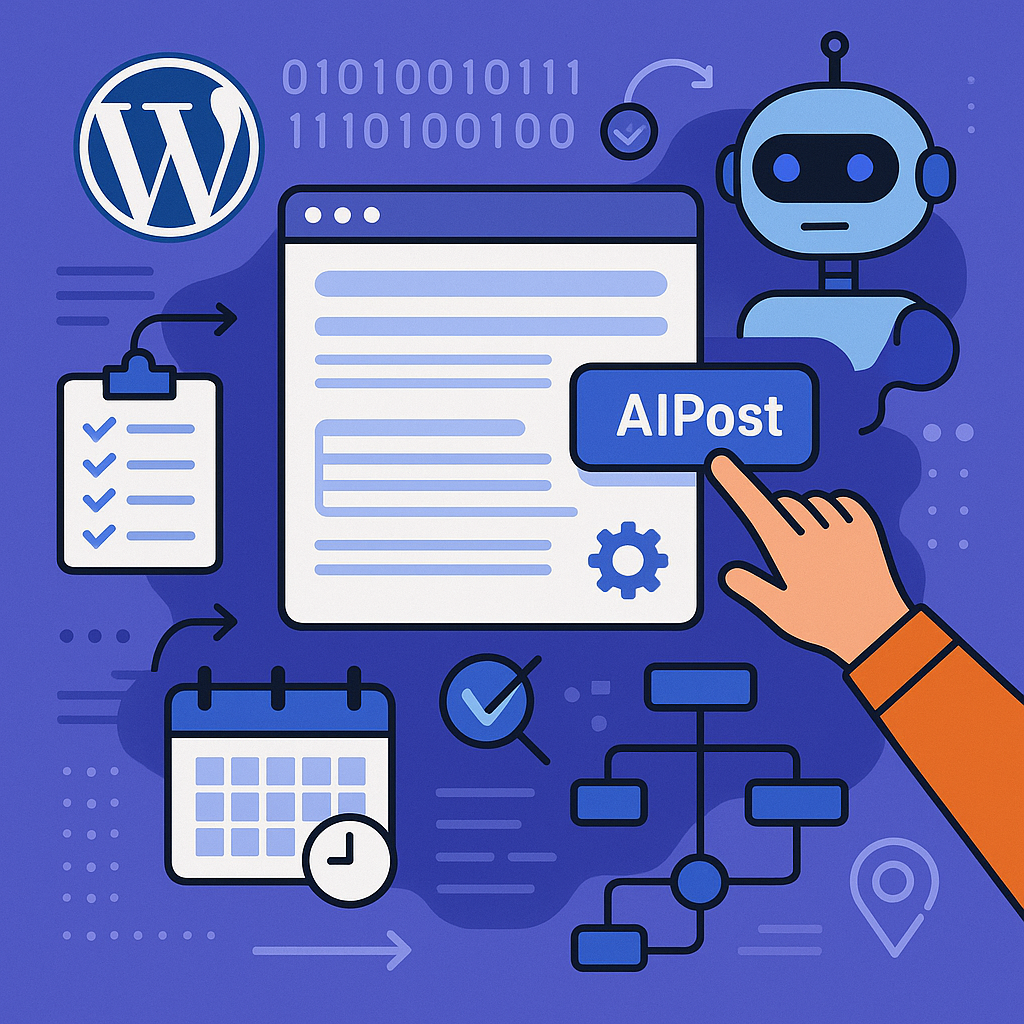
Understanding AI Content Automation Within WordPress
AI content automation integrates intelligent algorithms with WordPress’s publishing ecosystem to reduce manual workload, generate ideas, draft posts, and even automate publishing. Unlike simplistic auto-posters, modern AI tools analyze your niche, keywords, and user intent to produce relevant drafts or enhancements that fit your editorial standards.
The process typically involves using AI plugins or external APIs that connect to your WordPress backend, enabling content suggestions, topic research, and sometimes full article generation. These tools rely on natural language processing (NLP) and machine learning models trained on extensive datasets to mimic human writing patterns.
Setting Up Automated Publishing Workflows: A Step-by-Step Guide
Step 1: Choose the Right AI Content Tool
Select a WordPress-compatible AI plugin or integration that aligns with your goals. Popular choices include Jasper AI, Writesonic, or niche plugins like ContentBot. Ensure the tool offers API access, editorial controls, and scheduling capabilities.
Step 2: Configure API Access and Permissions
Install and activate your chosen AI plugin. Connect it securely to the AI provider’s API, entering your authentication credentials as required. Set user roles and permissions to control who can trigger content generation within your team.
Step 3: Define Content Templates and Parameters
Create templates for various post types—blog articles, product descriptions, reviews—specifying tone, length, and keyword focus. This guides the AI to produce relevant and consistent output aligned with your brand voice.
Step 4: Set Up Automated Draft Generation
Schedule the AI to generate drafts at fixed intervals (daily, weekly) or trigger generation based on new keyword trends or competitor activity. Drafts should be saved as pending posts ready for human review.
Step 5: Implement Editorial Review Workflow
Assign editors or content managers to review AI-generated drafts, make necessary adjustments, and approve posts for publishing. This ensures quality control and prevents low-value or irrelevant content from going live.
Scheduling and Rotating Topics Effectively
To avoid content stagnation and keyword cannibalization, employ a topic rotation strategy:
- Create a content calendar: Use tools like Editorial Calendar or CoSchedule to map out topics over weeks or months.
- Cluster related topics: Group posts by themes (clusters) to build authority and improve internal linking structures.
- Set rotation rules: Alternate between evergreen, trending, and seasonal topics to maintain audience interest.
Automate reminders and draft creation based on this calendar, ensuring a steady flow of diverse content.
Maintaining Content Quality and Avoiding Spammy Output
AI-generated content can be prone to generic phrasing or inaccuracies. To maintain quality:
- Human oversight: Never publish AI content without editorial review and fact-checking.
- Use plagiarism checkers: Tools like Copyscape can ensure originality.
- Set strict content guidelines: Define clear style, voice, and factual standards within your AI tool’s parameters.
- Limit automation scope: Use AI for idea generation, outlines, or first drafts rather than full articles unless quality is proven.
SEO Considerations When Automating Content
Automation should enhance, not dilute, your SEO strategy. Key points include:
- Keyword integration: Program AI to naturally embed primary and secondary keywords based on current SEO research.
- Meta data automation: Automate meta titles and descriptions generation with keyword optimization.
- Content uniqueness: Avoid duplicate content penalties by varying AI prompts and cross-checking generated text.
- Schema markup: Implement structured data automatically where applicable to improve search result features.
Internal Linking and Content Clustering Strategies
AI tools can assist with internal linking by:
- Identifying related posts and suggesting anchor text based on topic relevance.
- Generating content clusters with pillar pages linking to supporting articles.
- Automating link updates when new posts are published to maintain a healthy site architecture.
This approach improves site crawlability and boosts topical authority in search engines.
Common Pitfalls and How to Avoid Penalties
Automating content creation carries risks if mismanaged:
- Overreliance on AI: Avoid treating AI as a shortcut; it should augment, not replace, human creativity.
- Publishing low-quality or spammy content: This can trigger search engine penalties and damage your brand reputation.
- Ignoring user intent: Content must serve real audience needs rather than just targeting keywords.
- Neglecting compliance: Ensure generated content meets legal and ethical standards, avoiding misleading claims or copyright issues.
Use Cases Across Different WordPress Site Owners
Bloggers
Use AI to brainstorm ideas, draft outlines, and maintain a consistent posting schedule, freeing time to focus on personalization and engagement.
Affiliate Marketers
Automate product description creation and review summaries, rapidly scaling content volume while maintaining SEO best practices.
Digital Agencies
Leverage AI to streamline content delivery for multiple clients, standardize quality checks, and optimize workflows for content teams.
SaaS Companies
Generate technical documentation, feature announcements, and educational blog posts at scale, ensuring timely updates and clarity.
Implementation Checklist
- Choose and install a reputable AI content automation plugin compatible with WordPress.
- Connect and authenticate API services securely.
- Define detailed content templates and editorial guidelines.
- Set up a content calendar with diversified, rotating topics.
- Automate draft generation and schedule publishing workflows.
- Establish a mandatory editorial review and quality control process.
- Incorporate SEO best practices including keyword placement and meta data automation.
- Implement internal linking strategies via AI-assisted suggestions.
- Monitor content performance and iterate based on analytics.
- Train team members on ethical AI use and compliance to avoid penalties.
By strategically integrating AI content automation into your WordPress site, you can efficiently scale your content production while preserving quality and SEO value. This approach transforms automation from a mere convenience into a powerful growth lever.
![Understanding AI Website Builders: How They Work and Who Should Use Them [2026-05-29 11:58:17 1bv161]](https://getwpai.com/wp-content/uploads/2026/05/getwpai-20260529-115817.png)
![Mastering AI-Powered Content Automation in WordPress: A Strategic Guide for Scalable Growth [2026-05-25 11:43:01 rdw72k]](https://getwpai.com/wp-content/uploads/2026/05/getwpai-20260525-114301.png)