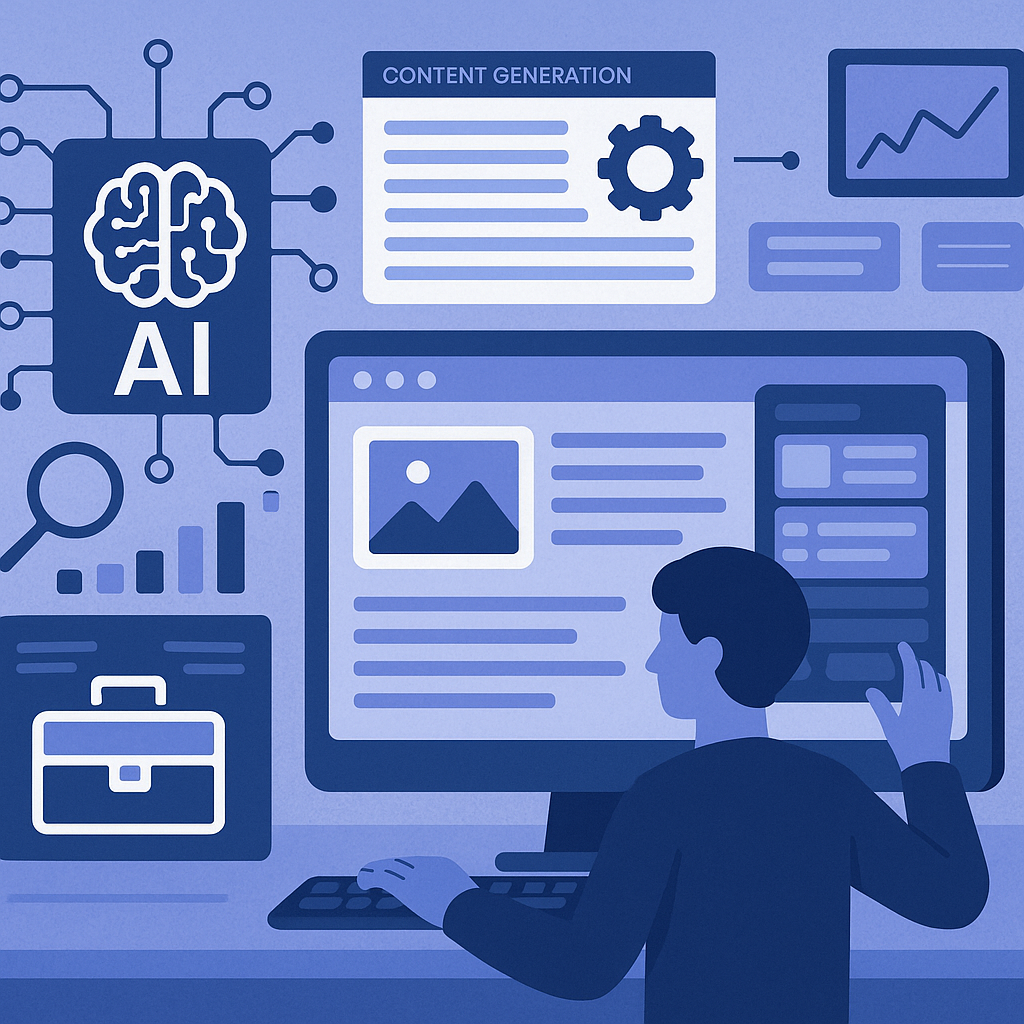
Introduction: What Are AI Website Builders and Why Are They Trending?
Building a website has traditionally required technical skills or hiring professionals, which can be time-consuming and costly. AI website builders are changing this landscape by using artificial intelligence to automate much of the web creation process. These tools are gaining traction because they simplify website development, enabling entrepreneurs, small business owners, and creators to launch online quickly without deep technical expertise.
What Is an AI Website Builder?
An AI website builder is a platform that leverages artificial intelligence algorithms to automate the creation of websites. Unlike traditional website builders that rely heavily on manual drag-and-drop editing or coding, AI website builders use machine learning and data-driven insights to generate design layouts, create relevant content, and optimize the site’s SEO setup automatically.
At their core, these builders streamline four main areas:
- Design automation: Generating visually appealing layouts and styles tailored to the user’s industry and preferences.
- Layout structuring: Arranging elements such as headers, images, and calls-to-action logically and attractively.
- Content generation: Creating initial text content like product descriptions, about pages, and blog posts.
- SEO configuration: Setting up metadata, keywords, and technical SEO elements to improve search engine visibility.
How AI Website Builders Work
The process of building a website with an AI website builder typically involves several automated stages combined with user inputs:
1. User Input and Preferences
The journey begins with the user providing basic information about their business or project, including industry type, desired website goals, branding colors, and preferred style. Some platforms may also ask for existing content or social media links for reference.
2. AI-Driven Design Generation
Using the input data, the AI engine selects appropriate design templates and layouts. It arranges elements such as navigation menus, banners, and contact forms based on best practices and user preferences.
3. Content Creation
The AI then generates initial text content tailored to the website’s theme, including headlines, product or service descriptions, and calls to action. This step may also include image suggestions or automated image selection based on industry relevance.
4. Customization and Refinement
Although much of the site is auto-generated, users can customize colors, fonts, images, and content to better align with their brand voice. Drag-and-drop editors or inline text editing tools are typically available for fine-tuning.
5. SEO and Performance Setup
The AI configures essential SEO settings such as meta tags, alt text, URL structure, and mobile responsiveness. Some builders also optimize loading speed and accessibility automatically.
6. Publishing and Hosting
Once satisfied, users can publish their website directly through the platform. Many AI website builders include integrated hosting and domain management to simplify deployment.
Key Features to Look For in an AI Website Builder
Drag-and-Drop Editing
While AI generates the initial site, the ability to manually adjust layouts and content is crucial. A user-friendly drag-and-drop editor enables quick customizations without needing coding skills.
AI Content Generation
Look for platforms that produce coherent, relevant text and can generate multiple types of content such as blog posts, product descriptions, and FAQs. Some tools also offer AI-assisted image suggestions or logo design.
SEO Tools
Effective SEO features are important for visibility. Builders that automate meta tags, keyword integration, sitemap creation, and analytics tracking help improve search ranking without manual effort.
Integrations
Compatibility with third-party services like email marketing, payment gateways, social media, and CRM systems expands your website’s functionality and supports business growth.
Hosting
Many AI website builders provide integrated hosting solutions, including SSL certificates and domain registration. This all-in-one approach simplifies launching and maintaining your site.
Analytics
Built-in analytics dashboards allow you to track visitor behavior, traffic sources, and conversion metrics, providing insights to optimize your website over time.
Benefits and Limitations of AI Website Builders
Benefits
- Speed: Websites can be created in hours instead of days or weeks.
- Cost-efficiency: Reduces the need for hiring designers or developers.
- Ease of use: Intuitive interfaces make website creation accessible to non-technical users.
- Consistency: AI applies design principles systematically to create professional-looking sites.
Limitations
- Customization constraints: AI-generated templates may limit creative freedom or unique branding requirements.
- Dependence on AI logic: Automated layouts and content might not fully capture nuanced business needs or tone.
- Generic content risk: AI content might lack depth or originality, requiring manual refinement.
- Scalability issues: Complex sites with advanced functionality may exceed the capabilities of AI builders.
Who Should Use an AI Website Builder?
AI website builders are particularly well-suited for:
- Entrepreneurs: Those launching startups or side projects who need an online presence quickly and affordably.
- Small businesses: Local shops, consultants, and service providers seeking straightforward websites without hiring agencies.
- Bloggers and content creators: Individuals who want to focus on content but need an attractive, functional site setup.
- Non-technical users: Anyone without coding or design expertise who wants control over their website creation process.
However, businesses requiring highly customized designs, complex e-commerce functionality, or advanced integrations might find traditional development more appropriate.
Practical Checklist for Choosing an AI Website Builder
- Does the builder offer AI-generated design and content tailored to your industry?
- Can you easily customize layouts, colors, and text after AI generation?
- Are SEO tools integrated to help optimize your site for search engines?
- Does it support essential integrations like payment gateways, email marketing, or social media?
- Is hosting included, and does it provide SSL and fast loading times?
- Are analytics dashboards available to track site performance?
- Is the interface user-friendly for non-technical users?
- What are the pricing plans, and do they fit your budget?
Considering these factors will help you select an AI website builder that meets your needs, balances automation with customization, and enables you to launch your website confidently.
![Understanding AI Website Builders: How They Work and Who Should Use Them [2026-05-29 11:58:17 1bv161]](https://getwpai.com/wp-content/uploads/2026/05/getwpai-20260529-115817.png)
![Mastering AI-Powered Content Automation in WordPress: A Strategic Guide for Scalable Growth [2026-05-25 11:43:01 rdw72k]](https://getwpai.com/wp-content/uploads/2026/05/getwpai-20260525-114301.png)