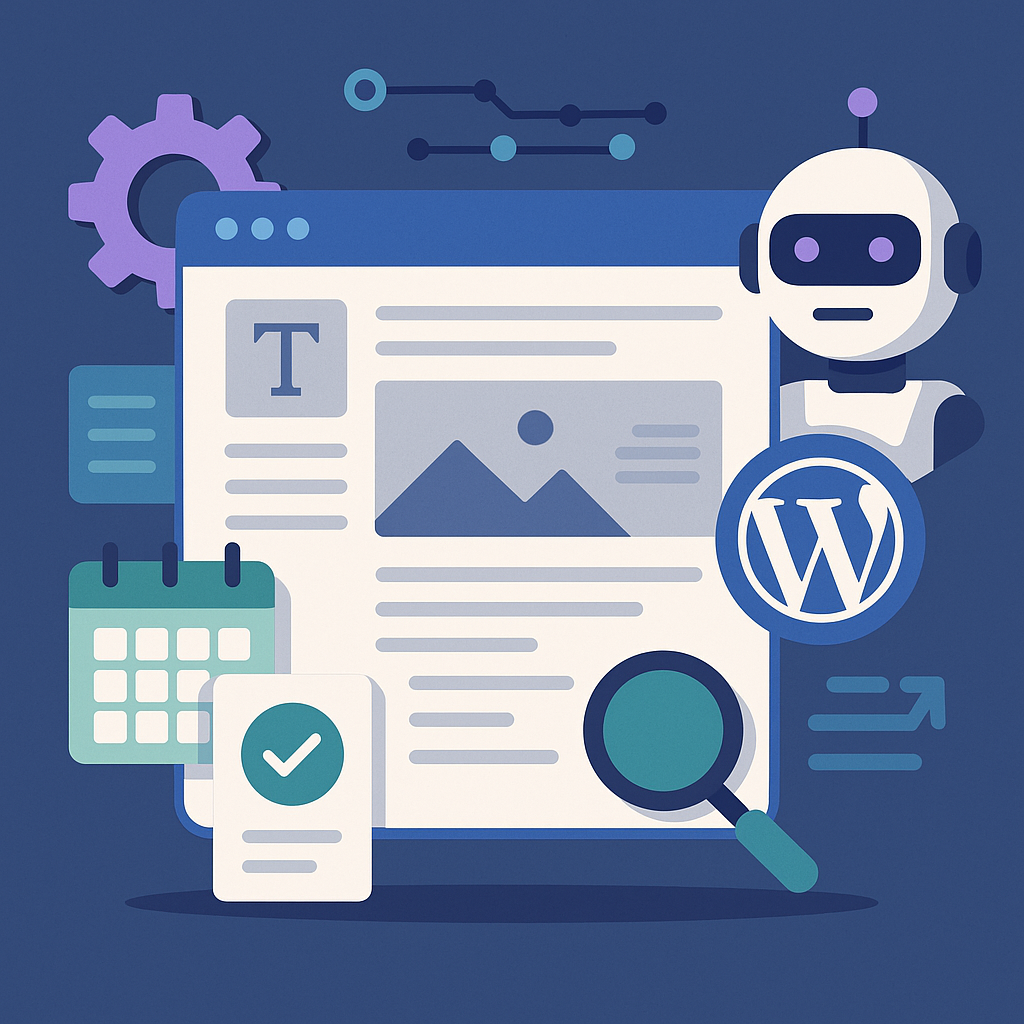
Understanding AI Content Automation Within WordPress
AI content automation in WordPress integrates artificial intelligence tools directly into your publishing workflow to generate, optimize, and schedule content with minimal manual input. Unlike manual writing, AI-assisted automation leverages natural language processing models to draft posts, suggest headlines, and even optimize SEO metadata based on predefined parameters. This enables WordPress site owners to maintain a steady publishing cadence, scale content output, and focus time on strategy rather than repetitive writing tasks.
Setting Up Automated Publishing Workflows: A Practical Walkthrough
Step 1: Choose the Right AI Content Plugin
Select a WordPress plugin that supports AI-driven content generation and publishing automation. Examples include plugins that connect to GPT-based APIs or specialized AI content assistants designed for WordPress. Ensure the plugin provides scheduling, topic rotation, and SEO integration features.
Step 2: Define Your Content Pillars and Topics
Outline key themes relevant to your niche. For example, a tech blog might focus on AI developments, software reviews, and tutorials. These pillars will guide AI-generated content and help maintain thematic consistency.
Step 3: Configure Content Templates and SEO Settings
Create post templates within the plugin with placeholders for headlines, meta descriptions, and keyword insertion. Set SEO parameters such as target keywords, readability scores, and internal linking rules to guide the AI’s content output.
Step 4: Automate Post Scheduling and Publishing
Use the plugin’s scheduling feature to set publishing dates and times. You can automate daily, weekly, or monthly posts depending on your strategy. Confirm that posts are set to draft first for quality review if desired, or direct publishing for full automation.
Scheduling and Rotating Topics Strategically
To avoid content fatigue and keyword cannibalization, create a rotation calendar for your content pillars. Assign specific days or weeks to each topic cluster and use your AI tool to pull from these categories automatically. For example, Mondays could be reserved for tutorials, Wednesdays for product reviews, and Fridays for industry news.
Ensuring Content Quality and Avoiding Spammy Output
AI should complement your editorial oversight, not replace it. Implement these practices:
- Human Review: Always review AI-generated drafts for accuracy, tone, and factual correctness.
- Plagiarism Checks: Use plagiarism detection tools to ensure originality.
- Fine-Tune Prompts: Customize AI prompts with clear instructions to avoid generic or repetitive content.
- Limit Automation Scope: Use AI to draft or outline content, but handle nuanced sections manually.
SEO Best Practices When Automating Content
Automation should be SEO-driven. Consider the following:
- Keyword Integration: Use AI tools that support semantic keyword targeting and natural keyword placement.
- Meta Optimization: Automate meta tags generation but verify alignment with content.
- Schema Markup: Implement structured data automatically for rich snippets.
- Analytics Feedback Loop: Connect AI workflows with analytics to refine content topics based on performance.
Internal Linking and Content Clustering Strategies
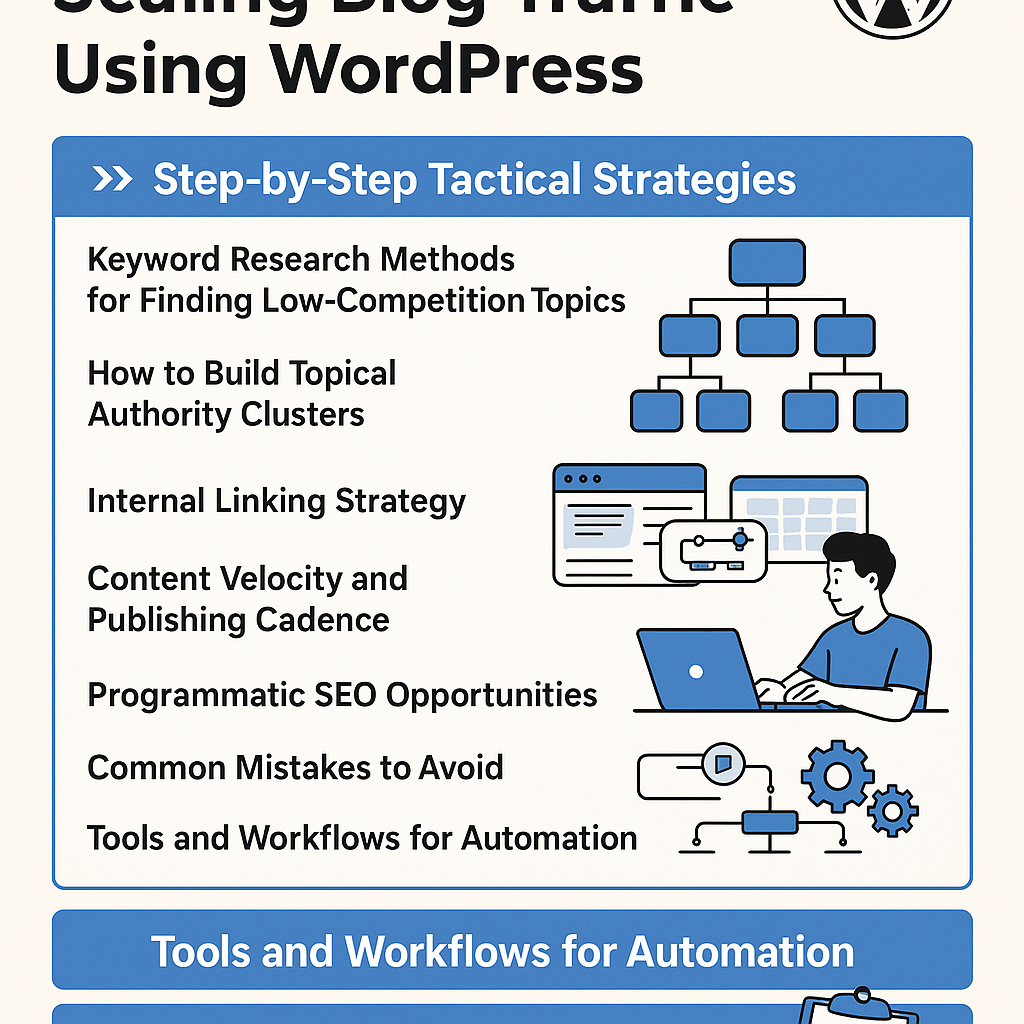
Leverage AI to identify related posts for internal linking automatically. Build clusters by grouping content around core topics, improving site architecture and SEO authority. For example, if you write about “AI in Marketing,” link all related posts like case studies, tools reviews, and tutorials within that cluster.
Common Pitfalls and How to Avoid SEO Penalties
- Over-reliance on AI: Avoid publishing AI content without human editing to prevent low-quality or duplicate content.
- Keyword Stuffing: Ensure AI-generated content maintains natural language flow.
- Ignoring User Intent: Align AI content with audience needs, not just keywords.
- Unmoderated Automation: Regularly audit automated posts to detect and fix issues swiftly.
Use Cases Across Different WordPress Site Types
Bloggers
Automate idea generation and first drafts to maintain consistent posting schedules without burnout.
Affiliate Marketers
Generate product reviews, comparison posts, and update pricing information automatically to boost conversions.
Digital Agencies
Scale content production for multiple clients with customized workflows and quality checks embedded in each project.
SaaS Companies
Create onboarding guides, feature updates, and industry articles that educate users and reduce support burden.
Implementation Checklist: Launch Your AI Content Automation
- Choose an AI content plugin compatible with your WordPress setup.
- Define clear content pillars and topic clusters.
- Set up SEO templates and keyword parameters within the AI tool.
- Create a content calendar with scheduled publication slots.
- Configure rotational topic scheduling to cover all content areas evenly.
- Establish a human review process before publishing.
- Integrate plagiarism and quality checks into your workflow.
- Automate internal linking based on content clusters.
- Continuously monitor SEO performance and adjust AI prompts accordingly.
- Regularly audit automated posts to maintain site health and compliance.
By approaching AI content automation as a strategic growth enabler rather than a shortcut, WordPress site owners can efficiently scale their content output without compromising quality or SEO integrity.
![Understanding AI Website Builders: How They Work and Who Should Use Them [2026-05-29 11:58:17 1bv161]](https://getwpai.com/wp-content/uploads/2026/05/getwpai-20260529-115817.png)
![Mastering AI-Powered Content Automation in WordPress: A Strategic Guide for Scalable Growth [2026-05-25 11:43:01 rdw72k]](https://getwpai.com/wp-content/uploads/2026/05/getwpai-20260525-114301.png)