Introduction
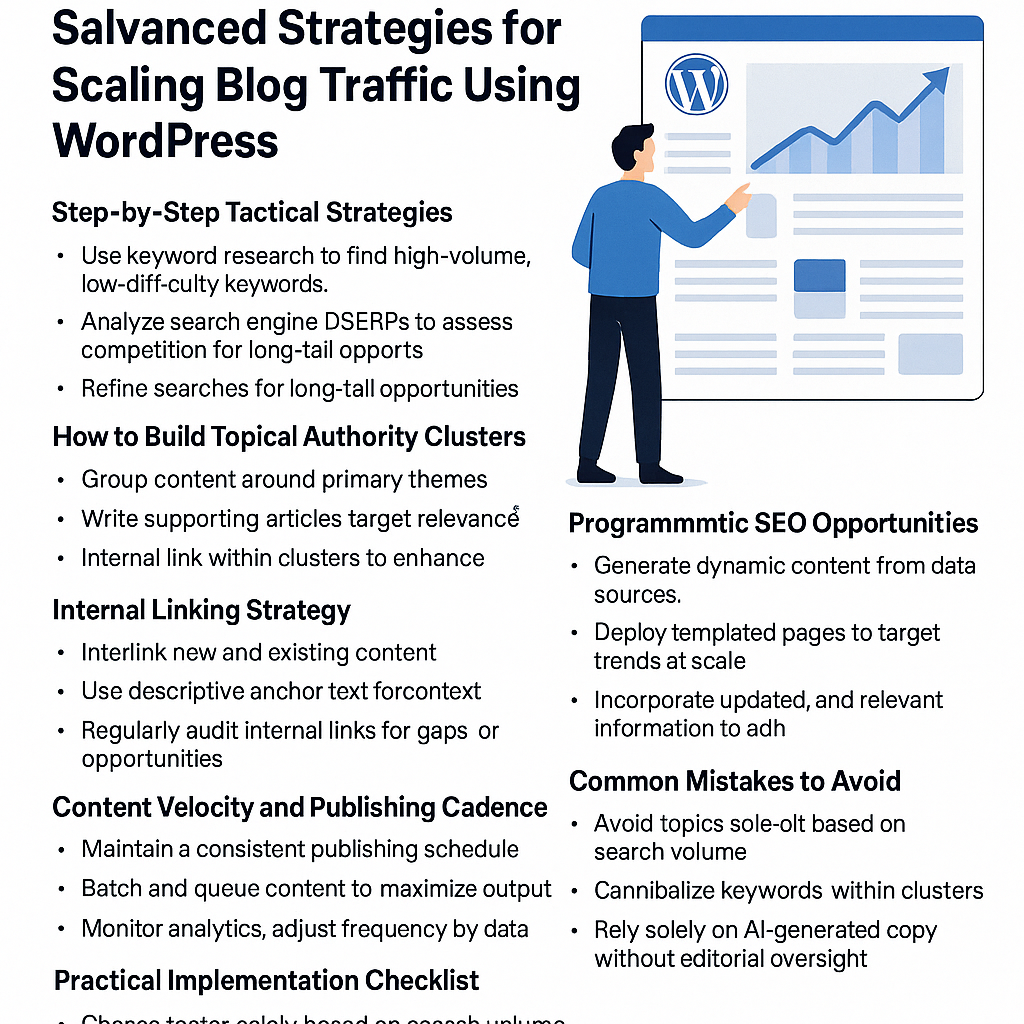
Scaling blog traffic beyond the initial growth phase requires more than generic SEO advice or sporadic content dumps. Serious WordPress site owners, affiliate marketers, SaaS founders, and agencies need tactical, repeatable strategies grounded in data and automation. This post dives deep into advanced, actionable methods that leverage WordPress’s flexibility, strategic keyword research, content architecture, and automation tools to sustainably grow organic traffic.
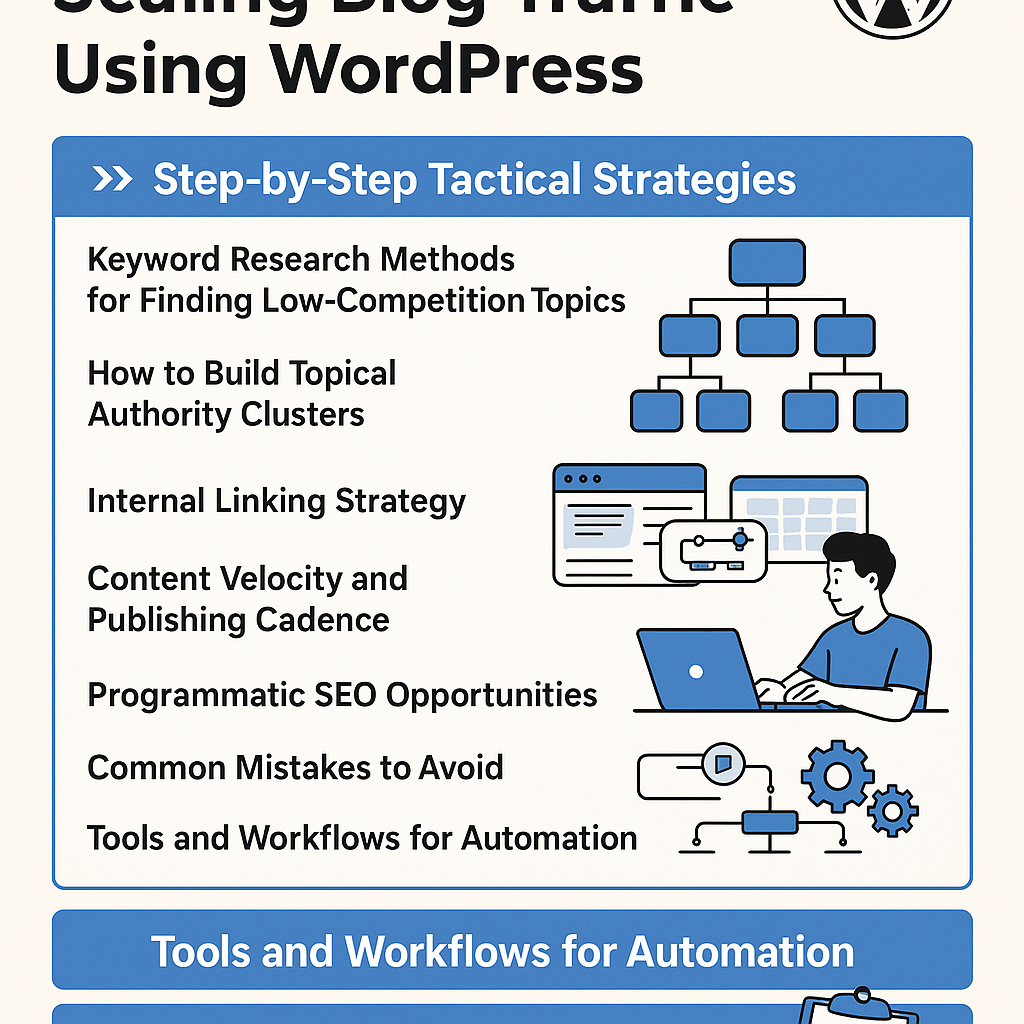
Step 1: Tactical Keyword Research for Low-Competition Niches
Finding keywords with high intent but low competition is the foundation of scalable blog growth. Here’s how to approach it methodically:
Use Advanced Filtering in Keyword Tools
- Start with tools like Ahrefs, SEMrush, or Ubersuggest.
- Apply filters for Keyword Difficulty (KD) below 20 and a minimum search volume threshold (e.g., 100+ monthly searches).
- Focus on long-tail keywords with clear buyer or informational intent.
Leverage Google’s “People Also Ask” and Related Searches
- Extract question-based queries and subtopics directly from Google SERPs.
- Use these to identify gaps where competitors have minimal coverage.
Competitor Content Gap Analysis
- Use Ahrefs’ Content Gap tool to find keywords your competitors rank for but you don’t.
- Prioritize keywords with low backlink requirements to rank.
Example: For a WordPress SaaS blog, instead of targeting “best WordPress plugins,” narrow down to “best lightweight SEO plugins for WordPress 2026” with KD 15 and 250 monthly searches.
Step 2: Building Topical Authority Clusters
Topical clusters improve your site’s semantic relevance and boost rankings by signaling expertise in a subject area.
Structure Your Content Around Pillar and Cluster Pages
- Create an authoritative pillar page addressing a broad topic comprehensively.
- Develop multiple cluster posts targeting specific subtopics, all linking back to the pillar.
Map Clusters Using a Content Matrix
- Outline a matrix of related keywords and questions within the topic.
- Assign each keyword a dedicated article, ensuring no overlap.
Example: For the pillar “WordPress Speed Optimization,” clusters could be “Image Compression Plugins,” “Database Cleanup Tutorials,” and “Lazy Loading Techniques.”
Step 3: Mastering Internal Linking Strategy
Internal links distribute link equity and help users navigate your site, increasing dwell time and reducing bounce rates.
Implement Contextual Internal Links
- Within cluster posts, link to the pillar page and other related clusters naturally.
- Use descriptive anchor text featuring target keywords.
Automate Internal Linking with WordPress Plugins
- Use plugins like Link Whisper or Internal Link Juicer to automate link suggestions based on your content.
- Regularly audit to prevent broken links and over-optimization.
Step 4: Optimizing Content Velocity and Publishing Cadence
Consistent publishing maintains momentum, signals activity to search engines, and builds topical depth.
Develop a Realistic Publishing Schedule
- Analyze your team’s capacity and set a cadence (e.g., 3 posts/week).
- Batch write and schedule posts using WordPress’s built-in scheduler or editorial calendar plugins.
Balance Quality and Quantity
- Prioritize well-researched content over quick posts.
- Use data from Google Analytics to identify post formats and topics that drive engagement.
Step 5: Leveraging Programmatic SEO Opportunities
Programmatic SEO automates the creation of large-scale, template-driven content targeting numerous keyword variants.
Identify Scalable Content Niches
- Examples: Local business directories, software feature comparisons, product specs, or FAQs.
- Structure data in CSV or JSON formats for automated import.
Use WordPress Custom Post Types and Templates
- Create custom post types to handle structured data efficiently.
- Develop dynamic templates that populate content from datasets.
Example: A SaaS blog can generate pages for “Best CRM for [Industry]” dynamically by importing industry names and features.
Step 6: Common Mistakes to Avoid
- Neglecting Keyword Intent: Targeting high-volume keywords without matching user intent leads to poor engagement.
- Overstuffing Internal Links: Excessive linking dilutes equity and looks spammy.
- Ignoring Content Updates: Stale content loses rankings; schedule periodic refreshes.
- Underutilizing Automation: Manual processes limit scalability and efficiency.
Step 7: Tools and Workflows for Automation
Keyword Research Automation
- Use Ahrefs API or SEMrush API to extract keyword lists and metrics automatically.
- Integrate with Google Sheets for dynamic filtering and tracking.
Content Planning & Publishing
- Editorial calendar plugins like Edit Flow or CoSchedule streamline scheduling and collaboration.
- Use AI-assisted writing tools for first drafts or outlines, but always refine manually.
Internal Linking Automation
- Tools like Link Whisper provide link suggestions and bulk-linking features.
Performance Monitoring
- Set up Google Analytics and Search Console alerts to track traffic fluctuations.
- Use tools like Screaming Frog for regular SEO audits.
Practical Implementation Checklist
- Conduct targeted keyword research filtering for low KD and clear intent.
- Map out topical clusters with a pillar page and 5+ supporting posts.
- Implement contextual internal linking with automation plugins.
- Establish a consistent publishing schedule balancing quality and velocity.
- Explore programmatic SEO for scalable, template-based content creation.
- Regularly audit for broken links and outdated content.
- Automate repetitive tasks using APIs, editorial calendars, and AI tools.
By systematically applying these advanced strategies, WordPress site owners can unlock sustainable, scalable growth in organic blog traffic without falling into common traps or relying on vague advice. Automation and data-driven workflows are your best allies in this journey.
![Understanding AI Website Builders: How They Work and Who Should Use Them [2026-05-29 11:58:17 1bv161]](https://getwpai.com/wp-content/uploads/2026/05/getwpai-20260529-115817.png)
![Mastering AI-Powered Content Automation in WordPress: A Strategic Guide for Scalable Growth [2026-05-25 11:43:01 rdw72k]](https://getwpai.com/wp-content/uploads/2026/05/getwpai-20260525-114301.png)