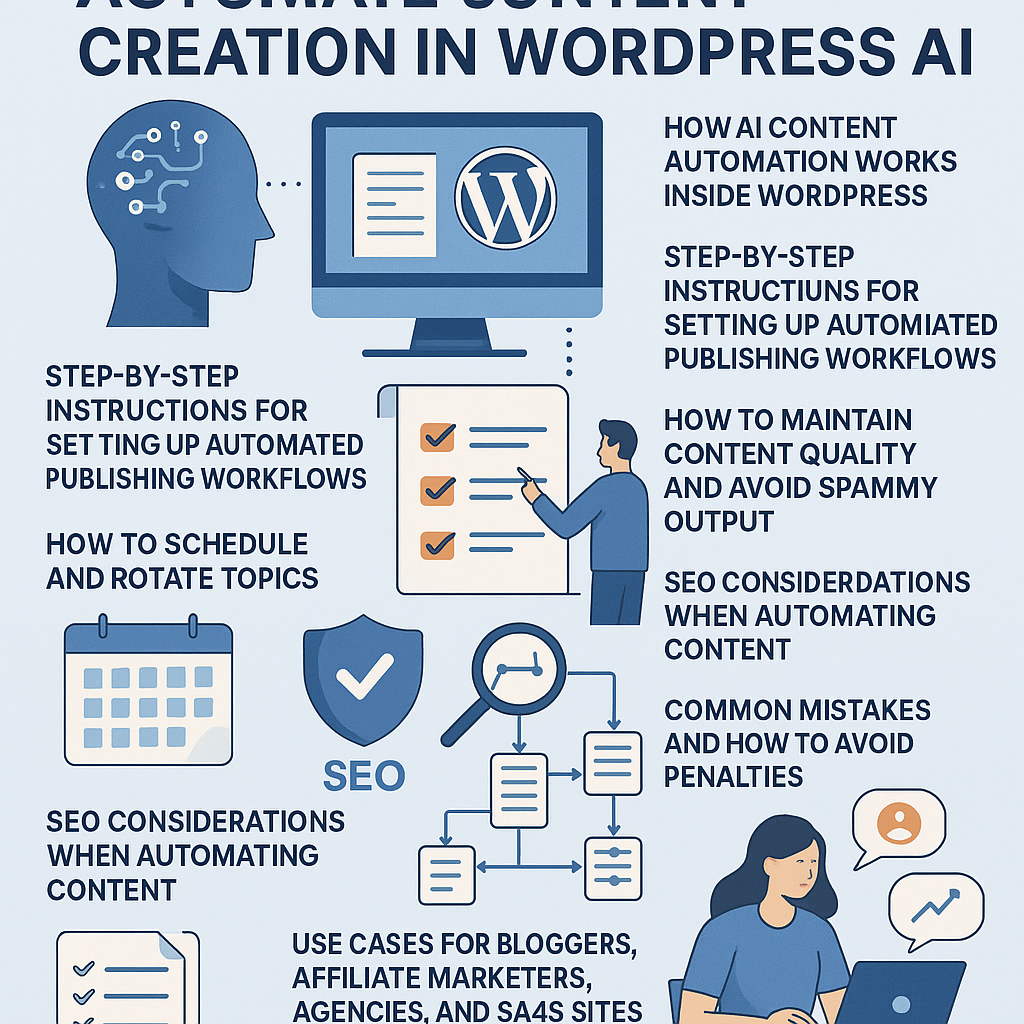
Understanding AI Content Automation in WordPress
Automating content creation in WordPress using AI involves integrating intelligent tools that generate, optimize, and publish posts with minimal manual intervention. These AI tools analyze data, trends, and keywords, then produce draft content based on predefined parameters. Within WordPress, this process is often facilitated via plugins or custom API integrations that connect AI language models directly to your content management system.
Rather than simply using AI as a shortcut, consider it a strategic tool that handles repetitive tasks like topic generation, drafting, and keyword optimization, freeing your team to focus on refining and adding unique insights. This approach ensures scalable content output without sacrificing quality or SEO effectiveness.
Step-by-Step Setup for Automated Publishing Workflows
1. Choose the Right AI Integration Plugin or API
Select a reliable AI content generation plugin compatible with your WordPress version. Popular options include plugins that connect with GPT-based models or specialized AI writing assistants. Ensure the plugin supports automation features like scheduling, topic rotation, and customization.
2. Define Content Parameters and Templates
Create templates that specify the structure of your posts—headings, paragraphs, calls-to-action, etc. Set parameters such as target keywords, tone, and minimum word count. This ensures generated content aligns with your brand voice and SEO strategy.
3. Set Up Automated Topic Generation
Integrate keyword research tools or use AI to generate relevant topic ideas based on your niche. Many plugins allow you to input seed keywords, which the AI then expands into a content calendar automatically.
4. Configure Publishing Schedules
Use WordPress’s native scheduling or plugin features to queue posts. Define publication frequency that matches your audience’s expectations and your resource capacity. For example, schedule new posts every 2-3 days to maintain consistent site activity.
5. Enable Review and Approval Workflows
Even with automation, implement a review step where editors can adjust AI drafts before publishing. This balances speed with quality control.
Scheduling and Rotating Topics Effectively
Maintaining a diverse content calendar prevents audience fatigue and improves SEO coverage:
- Use Content Pillars: Categorize topics into core themes relevant to your site.
- Rotate Topics: Cycle through themes systematically to ensure balanced coverage.
- Leverage AI for Trend Analysis: Periodically update your topic list with trending or seasonal keywords identified by AI tools.
- Automate Topic Refresh: Set your AI to revisit and update older posts or create spin-offs to keep content fresh.
Maintaining Content Quality and Avoiding Spammy Output
AI-generated content can risk being generic or keyword-stuffed if unchecked. To maintain quality:
- Implement Human Oversight: Always review AI drafts before publishing.
- Customize Prompts: Provide detailed, context-rich prompts to the AI to generate nuanced content.
- Use Plagiarism and Readability Checks: Ensure content is original and easy to read.
- Limit Automation Scope: Focus AI on research and drafting, not final publishing without review.
SEO Considerations When Automating Content
SEO remains critical when automating content creation:
- Keyword Strategy: Use AI to identify long-tail keywords and semantic variations to enhance rankings.
- Meta Tags and Schema Markup: Automate generation of meta descriptions and structured data to improve search visibility.
- Optimize for User Intent: Train AI to produce content that directly answers user queries rather than just matching keywords.
- Monitor Performance: Use analytics tools to track how automated content ranks and adjust parameters accordingly.
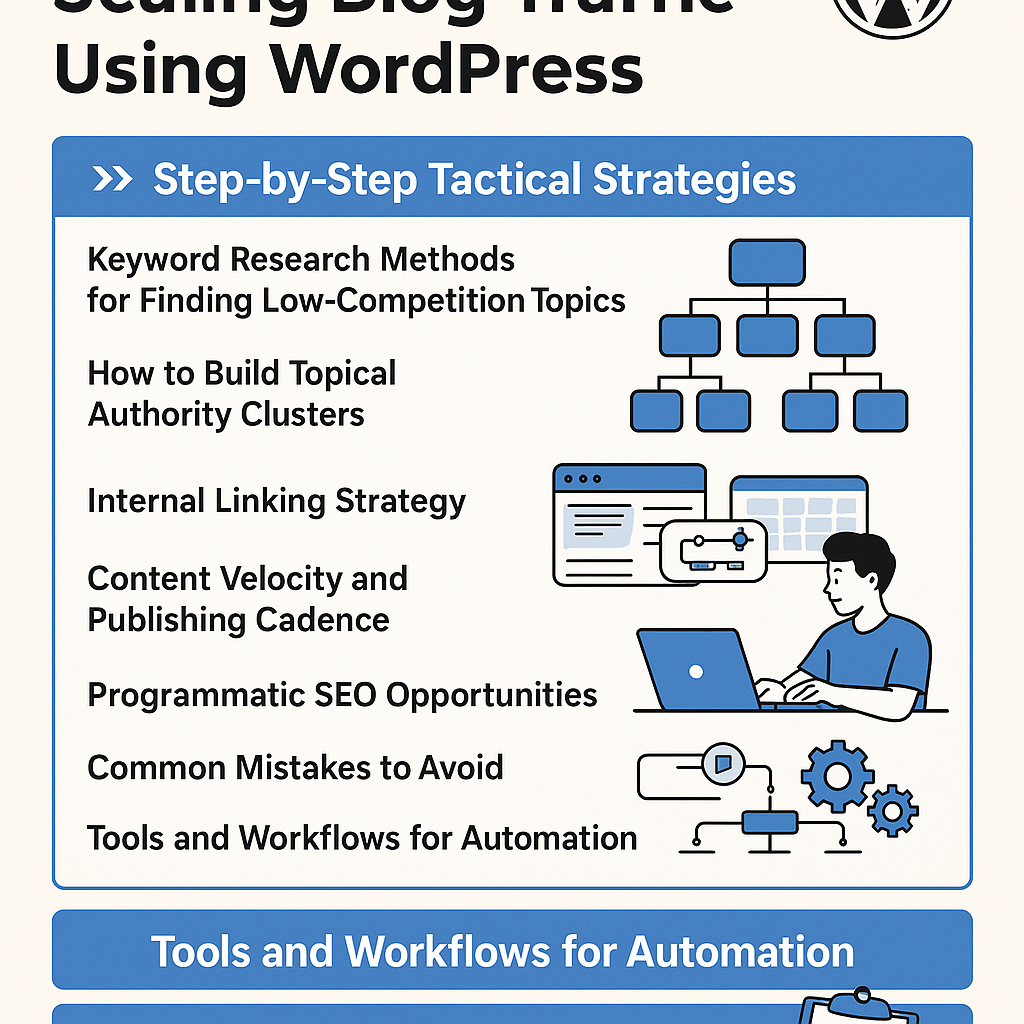
Internal Linking and Content Clustering Strategies
Creating content clusters and strategic internal linking boosts site authority:
- Cluster Content Around Pillars: Use AI to generate supporting posts linked to main pillar pages.
- Automate Link Suggestions: Employ plugins that recommend internal links based on content relevance.
- Maintain Link Diversity: Include varied anchor texts and link to both older and newer posts.
- Review Link Quality: Prevent over-linking or linking to low-value pages.
Common Mistakes and How to Avoid Penalties
Beware of these pitfalls when automating content:
- Over-Reliance on AI: Avoid publishing without human review, which can lead to low-quality or inaccurate content.
- Ignoring SEO Best Practices: Don’t neglect keyword research, meta tags, or mobile optimization.
- Duplicate Content: Ensure AI content is unique to prevent search engine penalties.
- Spamming Keywords: Use natural language and avoid stuffing keywords.
- Lack of User Value: Focus on creating content that genuinely benefits your audience.
Use Cases: Tailoring AI Automation to Different Audiences
Bloggers
Automate idea generation and first drafts to maintain regular posting schedules. Use AI to optimize SEO and manage seasonal content.
Affiliate Marketers
Generate product reviews and comparison posts quickly. AI can help with keyword variations and updating content as affiliate programs change.
Digital Agencies
Scale content production for multiple clients by setting up tailored workflows per niche. Automate reporting and content audits using AI tools.
SaaS Sites
Create technical documentation, blog posts, and feature updates automatically. Use AI to translate complex features into user-friendly language.
Implementation Checklist
- Choose and install a reliable AI content generation plugin compatible with WordPress.
- Define clear content templates and AI prompt parameters tailored to your niche.
- Set up automated topic generation integrating keyword research tools.
- Configure a publishing schedule balancing frequency and quality control.
- Implement editorial review workflows for AI-generated drafts.
- Establish internal linking strategies through content clustering and automated link suggestions.
- Regularly monitor SEO performance and adjust AI parameters accordingly.
- Use plagiarism and readability tools to maintain content integrity.
- Avoid keyword stuffing and ensure all content serves user intent.
- Continuously update and refine your automation setup based on analytics and feedback.
By integrating AI-powered automation strategically within your WordPress site, you can scale content production efficiently, improve SEO outcomes, and maintain high-quality engagement without sacrificing authenticity or user value.
![Understanding AI Website Builders: How They Work and Who Should Use Them [2026-05-29 11:58:17 1bv161]](https://getwpai.com/wp-content/uploads/2026/05/getwpai-20260529-115817.png)
![Mastering AI-Powered Content Automation in WordPress: A Strategic Guide for Scalable Growth [2026-05-25 11:43:01 rdw72k]](https://getwpai.com/wp-content/uploads/2026/05/getwpai-20260525-114301.png)