Introduction
Scaling blog traffic on WordPress requires more than generic advice—it demands a strategic, data-driven approach that leverages tactical execution and automation. This guide dives into advanced, actionable strategies to accelerate your organic growth, tailored for WordPress site owners, affiliate marketers, SaaS founders, and agencies committed to sustainable expansion.
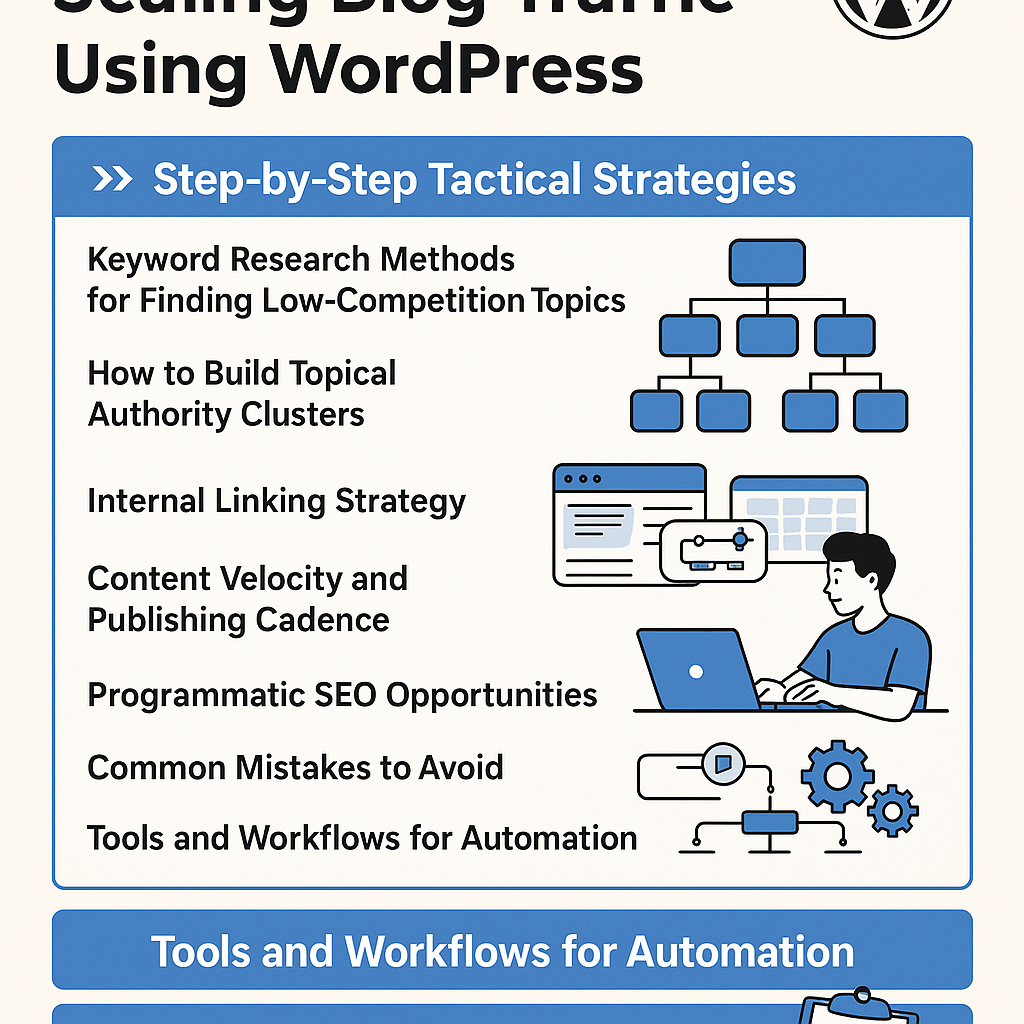
1. Tactical Keyword Research for Low-Competition Opportunities
The foundation of scaling blog traffic is identifying low-competition keywords that offer meaningful search volume and conversion potential.
Step 1: Use Advanced Filters in Keyword Tools
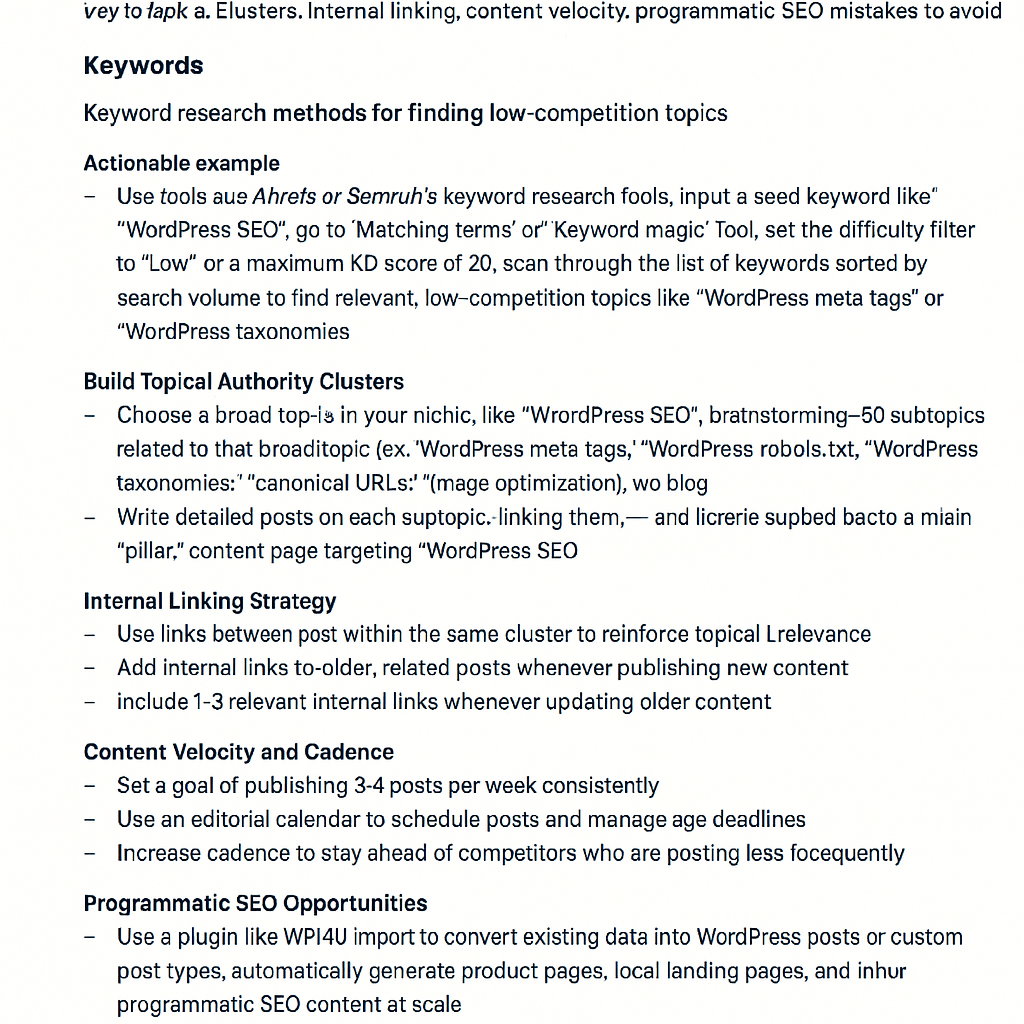
- Leverage tools like Ahrefs, SEMrush, or Keywords Everywhere with filters set for keyword difficulty (KD) below 20 and a minimum monthly search volume (MSV) around 300-500.
- Sort by keywords with question intent (e.g., queries starting with “how,” “why,” or “best”) to capture informational searches that convert well in affiliate or SaaS contexts.
Step 2: Analyze Competitor Content Gaps
- Use tools like Ahrefs’ Content Gap to identify keywords your competitors rank for but you don’t.
- Prioritize terms where competitors have thin or outdated content.
Step 3: Validate with Google Trends and Forums
- Cross-check keyword trends on Google Trends to confirm rising interest.
- Scan niche forums (Reddit, Quora) to validate user questions and pain points.
2. Building Topical Authority Clusters
Creating content clusters around core topics helps search engines understand your site’s expertise, boosting rankings for multiple related keywords.
Step 1: Identify Pillar Topics
- Select broad, high-value topics relevant to your niche (e.g., “WordPress SEO best practices” for a marketing blog).
- Create a comprehensive pillar page covering the topic at a high level.
Step 2: Develop Cluster Content
- Write multiple in-depth posts targeting long-tail keywords related to the pillar.
- Each cluster post should address a specific subtopic or question.
Step 3: Interlink Strategically
- Link every cluster post back to the pillar page and to other relevant clusters to create a strong internal network.
3. Internal Linking Strategy for SEO and UX
Internal links distribute authority and guide users, increasing time on site and reducing bounce rate.
Key Tactics
- Anchor Text Variation: Use descriptive, natural phrases rather than generic “click here” links.
- Link Depth: Ensure new posts link to older content and vice versa to maintain crawlability.
- Contextual Relevance: Place links within relevant paragraphs to improve SEO signals.
4. Content Velocity and Publishing Cadence
Rapid, consistent publishing helps Google recognize your site as an active authority.
Recommendations
- Set a realistic baseline—e.g., 2–3 quality posts per week.
- Batch content creation to maintain consistency during busy periods.
- Use editorial calendars with deadlines and review cycles to keep momentum.
5. Programmatic SEO Opportunities
Programmatic SEO automates the generation of many similar pages targeting keyword variations or data-driven queries.
Examples
- For SaaS: Auto-generate landing pages for each industry vertical or geographic location combined with your product features.
- For affiliate sites: Create template-driven product review pages by pulling data from APIs.
Implementation Tips
- Ensure unique, value-added content on each page to avoid duplicate content penalties.
- Use WordPress custom post types and Advanced Custom Fields (ACF) for flexible templates.
6. Common Mistakes to Avoid
- Over-Optimizing Anchor Text: Excessive keyword-stuffed links can trigger penalties.
- Publishing Thin Content: Quantity should never compromise depth or usefulness.
- Ignoring Mobile UX: Slow or non-responsive sites hurt rankings and user retention.
- Neglecting Technical SEO: Broken links, slow load times, and poor schema markup limit growth.
7. Tools and Workflows for Automation
Automation can scale your efforts without sacrificing quality.
Recommended Tools
- Keyword Research: Ahrefs, SEMrush with API access for bulk data extraction.
- Content Planning: Airtable or Notion for editorial calendars integrated with task management tools like Asana or Trello.
- Content Generation: Use AI writing assistants (e.g., GPT-based tools) for first drafts and expansions, always followed by human editing.
- Internal Linking: Plugins like Link Whisper for smart link suggestions and bulk internal linking updates.
- Programmatic SEO: Use custom WordPress plugins or frameworks like Toolset to build dynamic content templates.
- Performance Monitoring: Google Analytics, Google Search Console, and custom dashboards with Data Studio.
Workflow Example
- Extract low-competition keywords and cluster topics monthly with Ahrefs API.
- Plan content batches in Airtable, assigning writers and editors.
- Generate initial drafts using AI tools, followed by rigorous human review.
- Publish with automated internal linking via Link Whisper.
- Monitor performance weekly and adjust strategy accordingly.
Practical Implementation Checklist
- Identify 10 low-competition keywords per month using filters (KD < 20, MSV > 300).
- Create 1 pillar page and 3–5 cluster posts per topical area quarterly.
- Implement internal linking strategy: link new posts to pillar and cluster content.
- Set up an editorial calendar delivering ≥2 posts weekly.
- Explore programmatic SEO opportunities with dynamic templating in WordPress.
- Integrate AI-assisted writing tools with manual editorial processes.
- Automate internal linking using plugins like Link Whisper.
- Regularly audit for thin content, broken links, and mobile UX issues.
- Track traffic and rankings with Google Analytics and Search Console dashboards.
- Continuously refine workflows based on data insights.
By applying these advanced strategies, WordPress site owners can systematically scale blog traffic with precision and efficiency, avoiding common pitfalls and leveraging automation to maximize growth.
![Understanding AI Website Builders: How They Work and Who Should Use Them [2026-05-29 11:58:17 1bv161]](https://getwpai.com/wp-content/uploads/2026/05/getwpai-20260529-115817.png)
![Mastering AI-Powered Content Automation in WordPress: A Strategic Guide for Scalable Growth [2026-05-25 11:43:01 rdw72k]](https://getwpai.com/wp-content/uploads/2026/05/getwpai-20260525-114301.png)