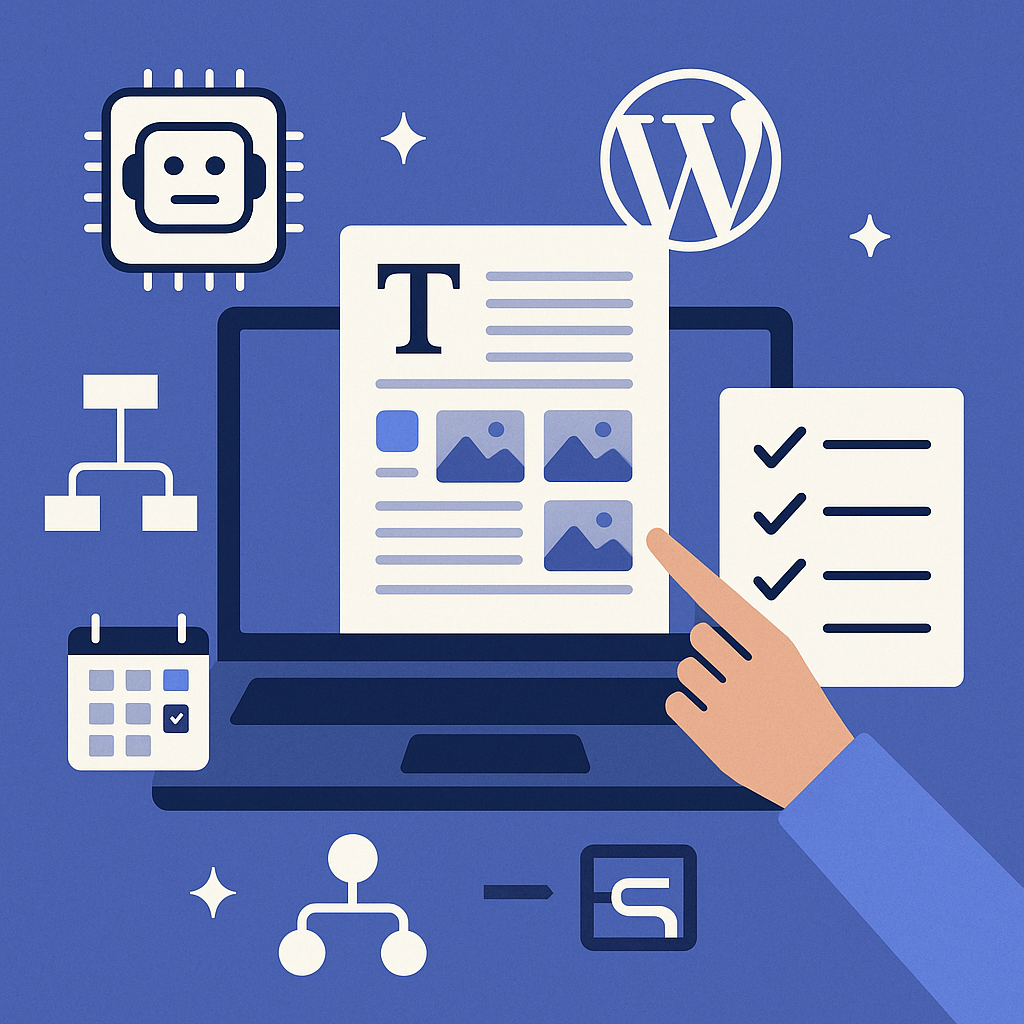
Understanding AI-Powered Content Automation in WordPress
Artificial Intelligence (AI) content automation in WordPress involves integrating AI tools and plugins that generate, optimize, and publish content with minimal human intervention. Unlike manual writing, AI algorithms analyze data, keywords, and user intent to craft relevant articles or updates. This automation streamlines repetitive tasks, allowing site owners to focus on strategic growth rather than content assembly.
Inside WordPress, AI engines commonly operate through APIs or dedicated plugins that connect with language models. These systems can create drafts, suggest headings, optimize for SEO, and even schedule posts automatically based on predefined workflows.
Setting Up Automated Publishing Workflows: A Step-by-Step Guide
1. Choose the Right AI Plugin or Service
Start by selecting a reputable AI content generator plugin such as AI Engine, Bertha.ai, or ContentBot. Evaluate features like topic diversity, SEO integration, language support, and publishing capabilities.
2. Install and Configure Your AI Plugin
After installation, connect the plugin to your AI provider’s API key. Configure settings like content length, tone, and keyword focus to align with your brand voice and objectives.
3. Develop Content Templates and Topic Seeds
Create templates for article structures — including introductions, subheadings, and calls to action — that the AI can follow. Input initial topic seeds or keywords that guide the AI in generating relevant content.
4. Set Up Automated Scheduling
Use WordPress’s built-in scheduling or a plugin like WP Scheduled Posts to queue AI-generated drafts for review or direct publishing. Define frequency, time slots, and publication order to maintain consistent output.
Scheduling and Rotating Topics for Balanced Content
To avoid content fatigue and cover a broad spectrum, rotate topics strategically:
- Topic Clusters: Group related subjects and rotate between clusters weekly or monthly to build topical authority.
- Seasonal and Trending Content: Schedule timely posts around industry events or seasonal themes to capture search interest peaks.
- Content Pillars and Supporting Posts: Alternate between comprehensive pillar articles and shorter supporting posts for SEO balance.
Use spreadsheets or editorial calendars integrated with WordPress tools to visualize and manage this rotation effectively.
Maintaining Content Quality and Preventing Spammy Output
Automation doesn’t mean compromising quality. Here’s how to maintain high standards:
- Human Review: Always have an editor review AI drafts for accuracy, tone, and factual correctness before publishing.
- Customize AI Prompts: Provide clear, detailed instructions in AI prompts to guide output toward meaningful and original content.
- Use Plagiarism Checkers: Run content through tools like Copyscape to ensure uniqueness.
- Limit Automation Scope: Automate repetitive or data-heavy content types (e.g., product descriptions, news summaries) while keeping strategic posts human-crafted.
SEO Best Practices for Automated Content
Automated content must adhere to SEO fundamentals to rank well and avoid penalties:
- Keyword Research: Use tools like Ahrefs or SEMrush to identify relevant, low-competition keywords for AI to target.
- Meta Data Optimization: Ensure AI-generated posts include SEO-friendly titles, meta descriptions, and image alt tags.
- Structured Data: Implement schema markup where applicable to enhance search result visibility.
- Content Uniqueness: Avoid duplicate content by customizing AI outputs and varying phrasing.
- Mobile Optimization: Verify AI-generated layouts are responsive and fast-loading.
Leveraging Internal Linking and Content Clustering
Internal linking is pivotal for SEO and user navigation. When automating content:
- Automate Link Suggestions: Use plugins like Internal Link Juicer that suggest relevant internal links based on AI content.
- Build Content Clusters: Organize posts around core topics with pillar pages linking to detailed subposts, enhancing topical relevance.
- Maintain Link Quality: Avoid excessive or irrelevant linking that can dilute SEO value.
Common Pitfalls and How to Avoid Penalties
Automated content risks can affect your site’s reputation and rankings. Watch out for:
- Thin Content: Avoid shallow articles that add no value. Use AI to create comprehensive, well-researched posts.
- Over-Automation: Publishing without human oversight can lead to errors and inconsistencies.
- Ignoring Google Guidelines: Ensure content complies with Google’s Quality Rater Guidelines and avoid keyword stuffing.
- Spammy Link Building: Internal links should be natural and helpful, not manipulative.
- Duplicate Content: Regularly audit automated posts to prevent repeated content across your site.
Practical Use Cases for Different WordPress Users
Bloggers
Automate routine posts such as weekly news roundups or how-to guides, freeing time for personal insights and community engagement.
Affiliate Marketers
Scale product descriptions and review generation with AI while focusing human efforts on in-depth comparisons and trust-building content.
Digital Agencies
Speed up client content delivery by automating first drafts and SEO checks, allowing teams to concentrate on strategy and client communication.
SaaS Sites
Use AI to generate documentation updates, feature announcements, and blog content that educates users and supports onboarding.
Implementation Checklist
- Choose and install a reliable AI content generation plugin compatible with WordPress.
- Configure AI settings: tone, keywords, content length, and SEO parameters.
- Create content templates and topic clusters to guide AI output.
- Set up editorial calendar with scheduled posts and topic rotation.
- Establish human review processes to ensure quality and accuracy.
- Integrate SEO tools and implement internal linking strategies.
- Regularly audit automated content for duplicates, thin content, and compliance.
- Monitor site performance and adjust automation parameters as needed.
Automating content creation in WordPress with AI is not about cutting corners—it’s a strategic approach to scale your content marketing efficiently. When done thoughtfully, it enhances productivity, maintains quality, and strengthens your SEO foundations.
![Understanding AI Website Builders: How They Work and Who Should Use Them [2026-05-29 11:58:17 1bv161]](https://getwpai.com/wp-content/uploads/2026/05/getwpai-20260529-115817.png)
![Mastering AI-Powered Content Automation in WordPress: A Strategic Guide for Scalable Growth [2026-05-25 11:43:01 rdw72k]](https://getwpai.com/wp-content/uploads/2026/05/getwpai-20260525-114301.png)