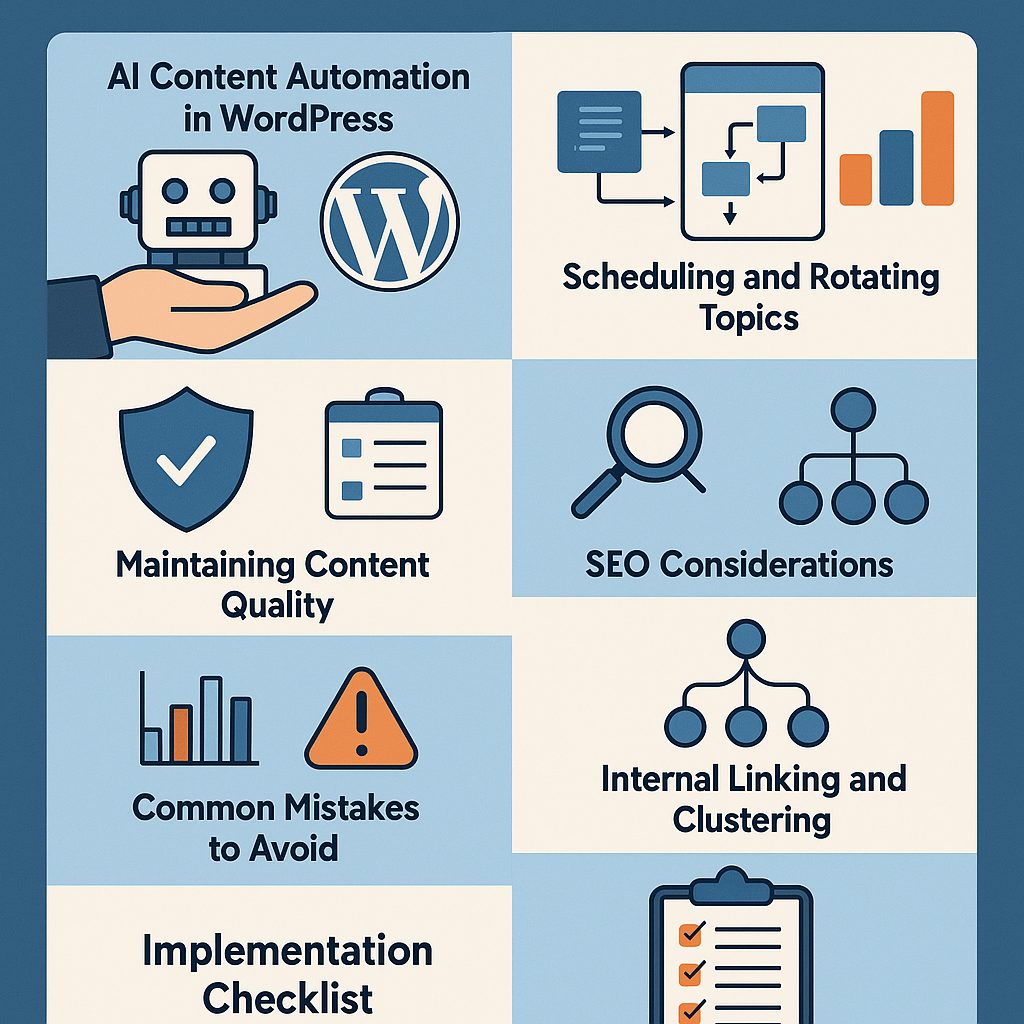
Understanding AI-Powered Content Automation in WordPress
Automating content creation within WordPress using AI is not about replacing human creativity but amplifying your output with strategic assistance. AI-powered tools leverage natural language processing models integrated as plugins or external APIs, enabling your WordPress site to generate, optimize, and schedule content based on predefined parameters.
Typically, these AI integrations analyze your input topics, keywords, and style preferences to produce drafts or full articles that can be reviewed and published automatically or manually. They connect seamlessly with WordPress’s content management system, allowing automation of workflows from content ideation to publishing.
Step-by-Step Setup for Automated Publishing Workflows
1. Choose the Right AI Content Plugin or API
Select a WordPress-compatible AI plugin that supports content generation and scheduling, such as AI Engine, ContentBot, or integrations with OpenAI’s GPT models. Ensure the plugin allows customizable prompts and editorial review.
2. Configure API Access and Authentication
Set up API keys securely through the plugin settings. This enables your WordPress site to communicate with the AI service provider. Verify rate limits and pricing to align with your content volume.
3. Define Content Templates and Prompt Frameworks
Create templates for different content types (blog posts, product reviews, FAQs). Define prompt structures that guide the AI to produce relevant, on-brand text.
4. Set Up Automated Draft Creation
Configure the plugin to generate drafts based on your templates and input keywords or topics. Enable notifications for editorial review before publishing.
5. Integrate Scheduling and Auto-Publishing
Use WordPress’s native scheduling or third-party workflow tools (like WP Crontrol or Automator plugins) to queue and publish AI-generated content at optimal intervals.
Scheduling and Rotating Topics for Consistent Engagement
Maintaining a diverse and consistent content calendar is crucial. Use a spreadsheet or editorial calendar plugin (e.g., Edit Flow) integrated with your AI setup to plan topics across themes and keywords.
Rotate topics by categorizing content into clusters (e.g., tutorials, industry news, product comparisons) and schedule them in a pattern that keeps your audience engaged without redundancy. Automate this by tagging AI prompts and linking them to publication dates.
Maintaining Content Quality and Avoiding Spammy Output
AI can produce generic or low-value content if not properly guided. To safeguard quality:
- Editorial Review: Always set AI drafts to require human review before publishing.
- Custom Prompts: Develop highly specific prompts that instruct the AI to focus on depth, originality, and brand voice.
- Post-Generation Editing: Use tools like Grammarly or Hemingway Editor to refine readability and correctness.
- Fact-Checking: Verify any claims or statistics included in AI content to maintain credibility.
SEO Best Practices When Automating Content
Automation should enhance SEO, not harm it. Key considerations include:
- Keyword Optimization: Integrate primary and secondary keywords naturally within AI prompts.
- Meta Data: Automate generation of SEO titles and descriptions, but review for relevance.
- Structured Data: Use schema markup plugins to enrich your automated posts for search engines.
- Uniqueness: Run AI content through plagiarism checkers to avoid duplicate content penalties.
Internal Linking and Content Clustering Strategies
Build topical authority by connecting related posts through internal links. Automate this by:
- Using plugins that suggest related posts based on categories and tags.
- Embedding keyword-rich anchor text in AI-generated content prompts.
- Creating parent cluster pages summarizing a topic with links to automated sub-articles.
This approach improves user navigation and boosts SEO through enhanced site architecture.
Common Pitfalls and How to Avoid Search Penalties
Automation carries risks if mismanaged. Avoid these common mistakes:
- Publishing Without Review: Leads to low-quality content and penalties.
- Keyword Stuffing: Overusing keywords in AI prompts results in unnatural text.
- Ignoring User Intent: Producing content that doesn’t answer real questions harms engagement.
- Over-Automation: Relying solely on AI without human insight reduces brand authenticity.
Mitigate these by combining AI efficiency with editorial oversight and user-focused strategies.
Use Cases: Tailoring AI Automation for Different WordPress Sites
Bloggers
Leverage AI to generate topic ideas, draft posts, and maintain a steady publishing cadence. Use automation to free time for deeper research and community interaction.
Affiliate Marketers
Automate product reviews, comparisons, and update content with the latest pricing or features, ensuring link freshness and relevancy.
Digital Agencies
Scale client content production by deploying AI workflows customized per niche, enabling rapid content delivery without quality compromise.
SaaS Websites
Use AI to produce technical documentation, blog tutorials, and industry insights, keeping prospects engaged and informed with regularly updated content.
Implementation Checklist for AI Content Automation in WordPress
- Choose and install a reliable AI content generation plugin compatible with WordPress.
- Set up API keys and secure access to the AI service provider.
- Develop clear, specific prompt templates aligned with your brand voice and SEO keywords.
- Configure automated draft creation with mandatory editorial review before publishing.
- Integrate scheduling tools to manage content cadence and rotate topics strategically.
- Employ SEO best practices: keyword integration, meta tags, schema markup, and plagiarism checks.
- Establish internal linking and content clusters for topical authority.
- Implement quality control workflows to prevent spammy content and search penalties.
- Monitor performance regularly and adjust automation parameters based on analytics and feedback.
By following this comprehensive approach, WordPress site owners can strategically leverage AI-driven content automation as a robust growth tool—not a shortcut—to enhance publishing efficiency while preserving quality and SEO integrity.
![Understanding AI Website Builders: How They Work and Who Should Use Them [2026-05-29 11:58:17 1bv161]](https://getwpai.com/wp-content/uploads/2026/05/getwpai-20260529-115817.png)
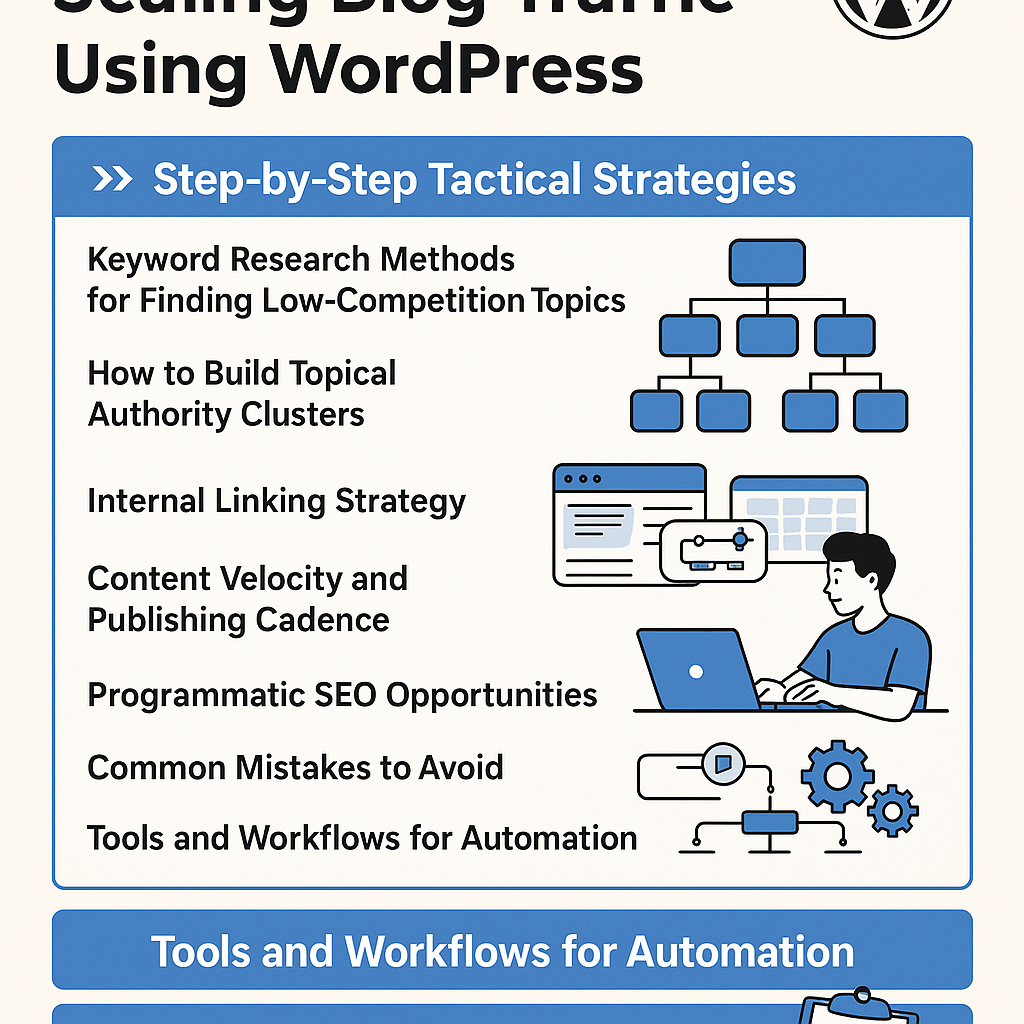
![Mastering AI-Powered Content Automation in WordPress: A Strategic Guide for Scalable Growth [2026-05-25 11:43:01 rdw72k]](https://getwpai.com/wp-content/uploads/2026/05/getwpai-20260525-114301.png)