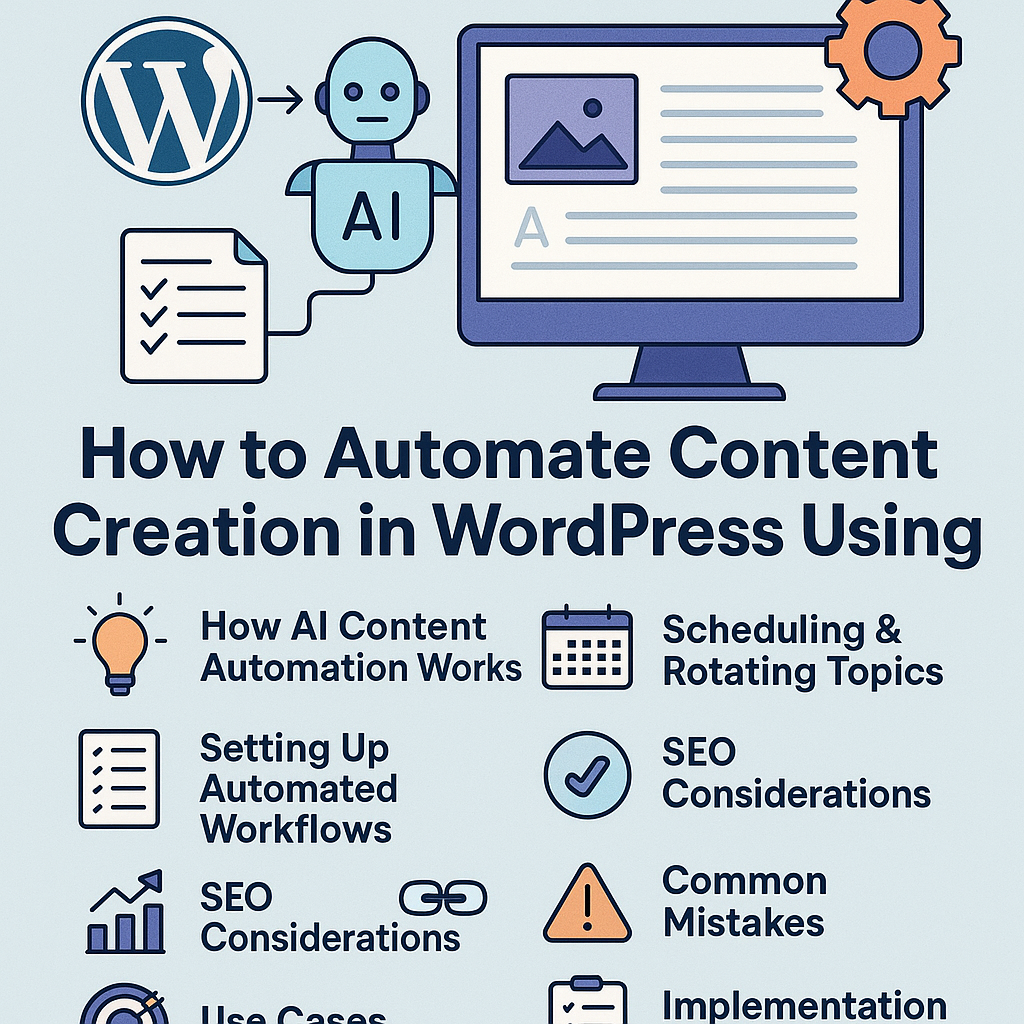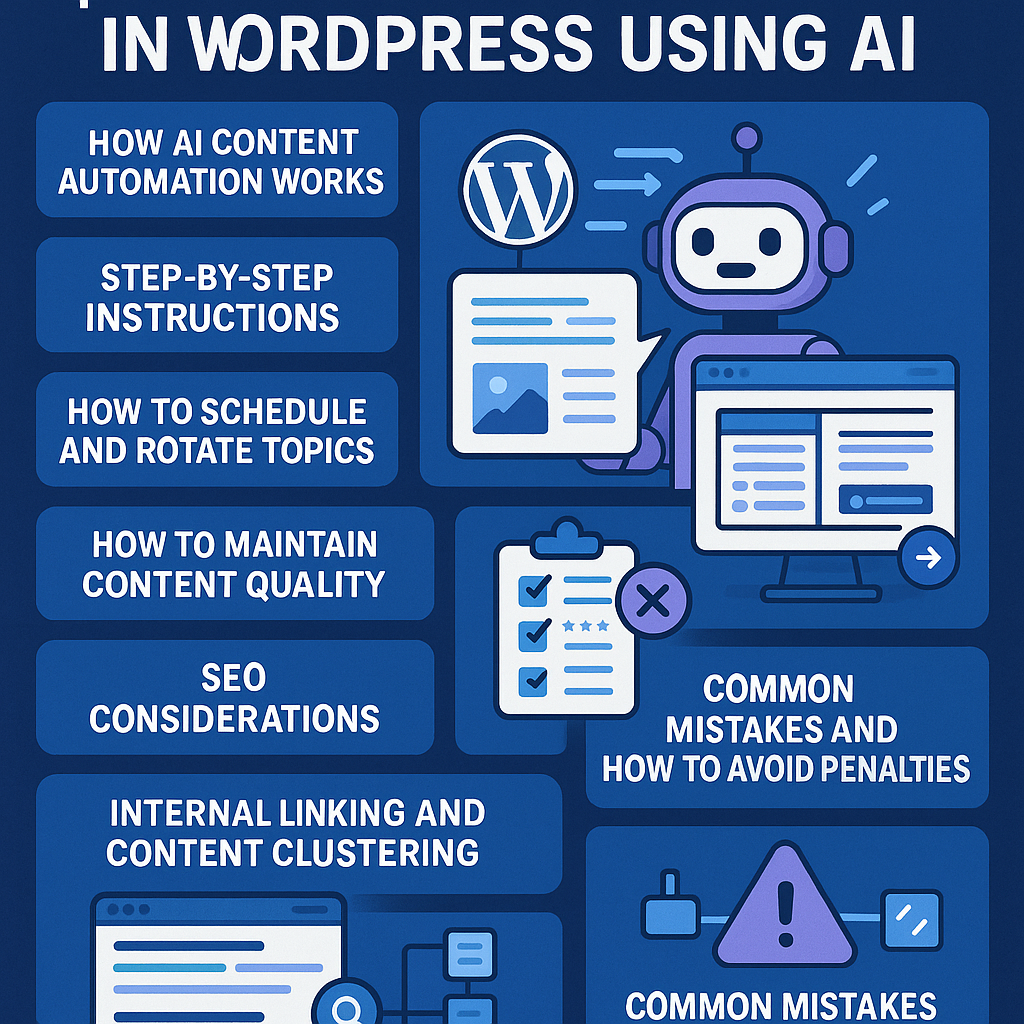
Understanding AI Content Automation in WordPress
AI content automation in WordPress integrates artificial intelligence tools directly into your content management system to streamline content creation, editing, and publishing. Instead of manually drafting every article, AI analyzes your input—keywords, topics, or outlines—and generates relevant content that you can refine and schedule. This automation acts as a strategic extension of your editorial team, enabling faster scaling without compromising editorial control.
Step-by-Step Setup for Automated Publishing Workflows
1. Choose the Right AI Plugin or API Integration
Start by selecting an AI tool compatible with WordPress, such as plugins leveraging OpenAI, Jasper, or custom API connections. Consider factors like content quality, customization, and ease of integration.
2. Configure Content Generation Parameters
Define your target keywords, tone, article length, and style guidelines within the AI tool settings to ensure output aligns with your brand voice.
3. Establish Editorial Review Processes
Set roles and permissions in WordPress to enable editors to review, modify, and approve AI-generated drafts before publishing, maintaining human oversight.
4. Automate Publishing with Scheduling Plugins
Combine AI content generation with scheduling plugins like WP Scheduled Posts or Editorial Calendar to automate publishing at optimal times.
Scheduling and Rotating Topics for Consistent Engagement
Use a content calendar to plan diverse topics aligned with your niche. Implement rotating themes weekly or monthly to keep your audience engaged and prevent redundancy.
Leverage AI to generate multiple article drafts on each topic in advance, then stagger their publication over time. For example, an affiliate marketer could rotate between product reviews, how-to guides, and industry news automatically.
Maintaining Content Quality and Avoiding Spammy Output
AI is a tool, not a replacement for quality control. To avoid thin or repetitive content:
- Review AI drafts rigorously: Use plagiarism checkers and readability tools alongside manual edits.
- Incorporate unique insights: Add original commentary, case studies, or data to differentiate your content.
- Limit automation scope: Use AI to draft outlines or sections rather than entire articles for better nuance.
SEO Best Practices When Automating Content
Automation must align with SEO goals to ensure improved rankings rather than penalties:
- Keyword Integration: Use AI to optimize keyword placement naturally without stuffing.
- Meta Descriptions and Titles: Generate and customize compelling meta tags to improve CTR.
- Schema Markup: Implement structured data for rich snippets automatically.
- Monitor Performance: Track indexed pages, bounce rates, and rankings to adjust AI parameters promptly.
Internal Linking and Content Clustering Strategies
Automate internal linking by setting rules that connect related articles within the same content cluster. For example, an AI tool can identify pillar pages and link supporting blog posts back to them, enhancing topical authority.
Content clustering improves user experience and SEO by grouping content around core themes. Automate topic tagging and link insertion via plugins or custom code to maintain consistent site architecture.
Common Pitfalls and How to Avoid Penalties
Over-reliance on AI: Publishing unedited AI content can lead to low-quality pages flagged by search engines.
Duplicate content: Ensure each AI-generated article is unique and adds value to avoid penalties.
Ignoring user intent: AI must produce content that genuinely answers user queries, not just keyword-stuffed text.
Neglecting updates: Continuously refine AI prompts and workflows based on analytics and feedback.
Use Cases Across Different WordPress User Types
Bloggers
Scale personal blogs by automating routine posts such as news roundups or listicles, freeing time for creative, high-impact articles.
Affiliate Marketers
Generate product reviews, comparisons, and buying guides with AI to cover a broad catalog quickly, rotating topics by season or trends.
Digital Agencies
Deliver scalable content solutions to multiple clients by customizing AI workflows per brand and automating publishing calendars.
SaaS Companies
Produce technical documentation, feature updates, and blog content automatically, maintaining consistency across product lines and marketing channels.
Implementation Checklist
- ✅ Select and integrate a reliable AI content plugin or API within your WordPress environment.
- ✅ Define detailed content guidelines and SEO parameters for AI generation.
- ✅ Create an editorial review process to vet AI drafts before publication.
- ✅ Set up scheduling tools to automate publishing and topic rotation.
- ✅ Implement internal linking rules to build content clusters automatically.
- ✅ Monitor SEO performance and user engagement regularly to refine automation settings.
- ✅ Avoid over-automation; balance AI output with human creativity and oversight.
- ✅ Stay updated on search engine guidelines regarding automated content.
By strategically deploying AI in WordPress content workflows, site owners can achieve sustainable growth, enhanced SEO, and consistent audience engagement without compromising quality. Automation is a powerful tool when integrated thoughtfully, positioning your site to scale efficiently in today’s competitive digital landscape.